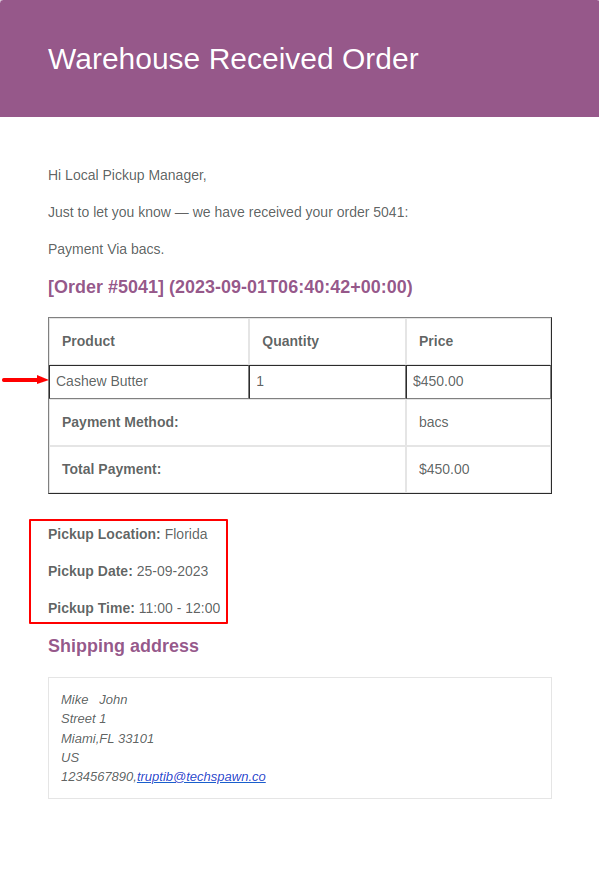
When you place an order, we can send the email to the specific local pickup manager at the location you’ve selected.
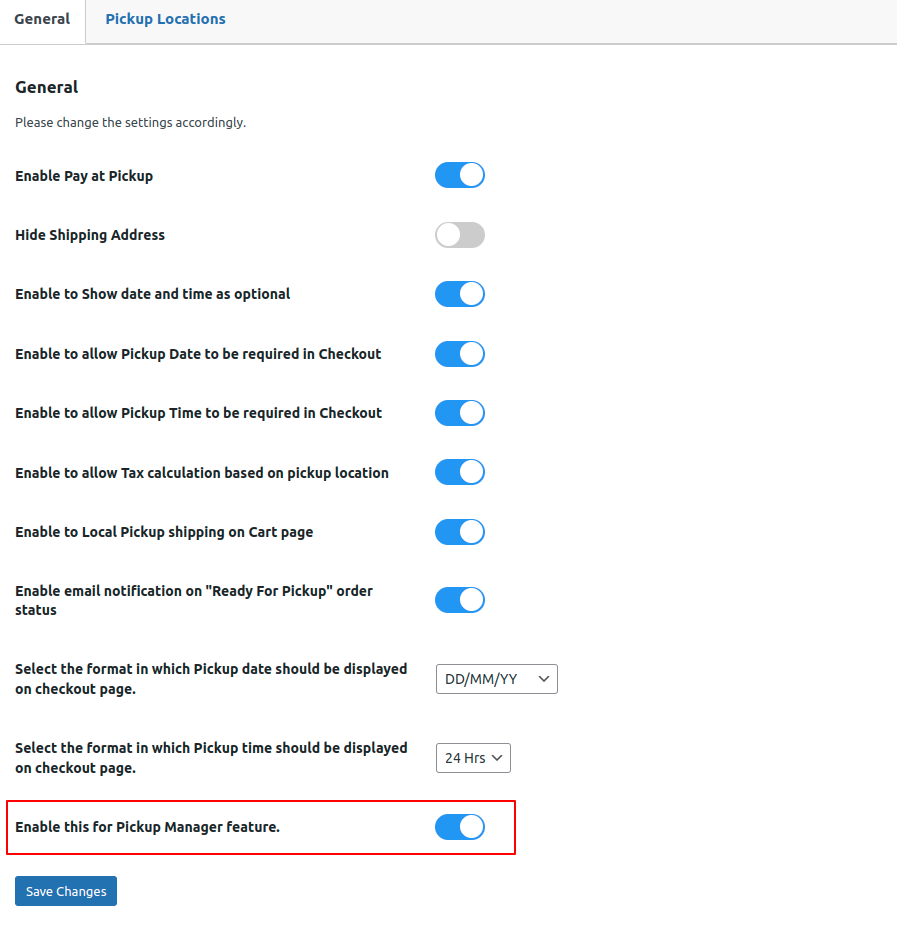
Go to the Local Pickup Settings >> Enable setting “Enable this for pickup manager feature”.
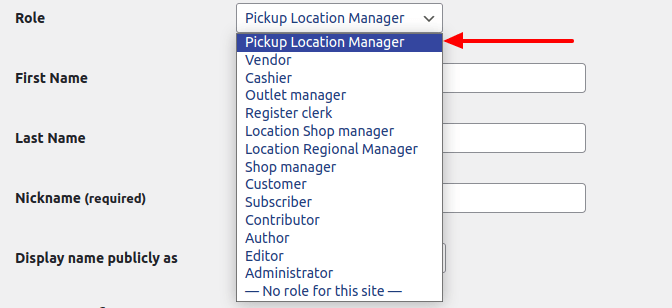
Create a user assign the role as Pickup Location Manager.
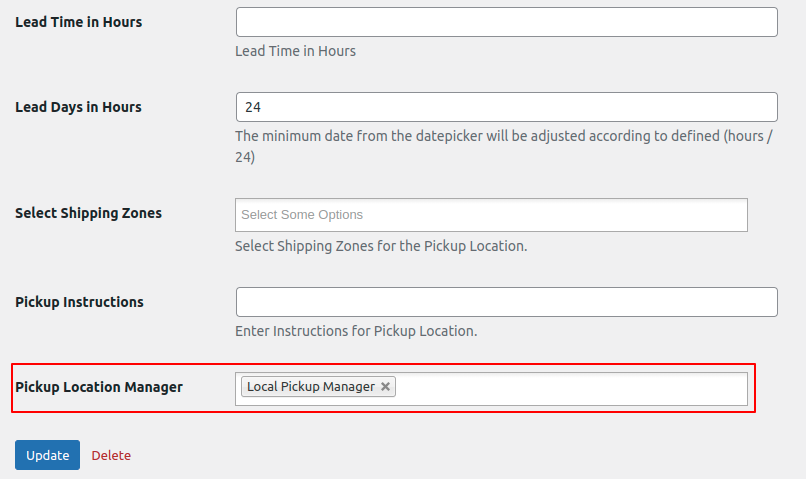
Assign that created user to the Pickup Location.
To assign a user to the pickup location, access the designated pickup location and choose ‘Edit’ for any location. Next, assign the Pickup Location Manager to that specific pickup location.
The local pickup manager will get an email notification on the email they provided when creating a user.
Here’s an example: If we have three locations – Florida, Germany, and New York – and we’ve assigned a ‘Local Pickup Manager’ to the ‘Florida’ location. When we place an order and select the Florida location during checkout, the pickup manager assigned to the Florida location will receive an email notification containing details such as the product name, pickup location, date, and time slot.