
Local Pickup Feature:
The Local Pickup feature enables you to link your Multiloca locations to pickup locations for seamless pickup management.
Steps to Use Local Pickup with Multiloca:
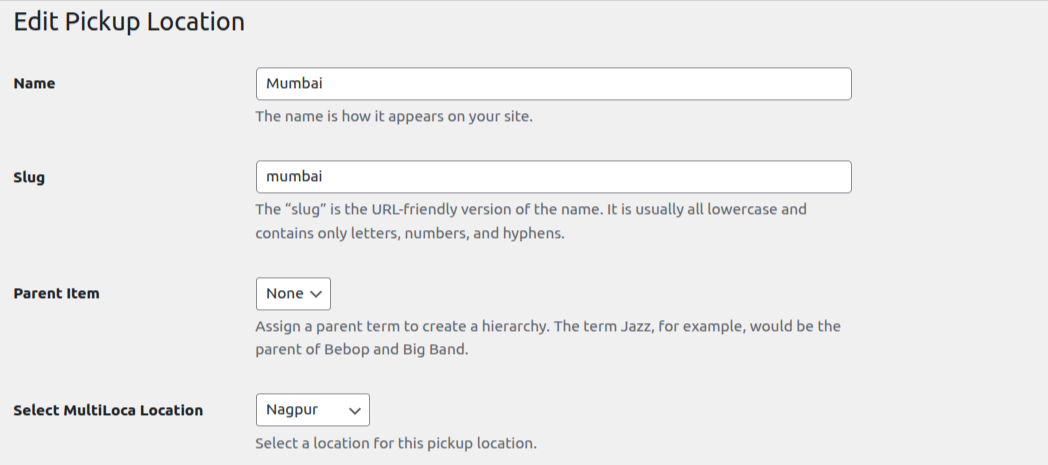
1. Access the Edit Pickup Location Screen
- Navigate to the Local Pickup section within the Local pickup plugin and click on edit link of any pickup location.
2. Link Multiloca Locations to Pickup Locations
- In the Select Multiloca Locations field, link your desired Multiloca locations to the appropriate pickup locations.
3. Save Changes
- After linking the locations, click the Save button to apply your changes.
4. Verify Location Assignment
- Once saved, the Multiloca location will be successfully assigned to the selected pickup location.
- When a Multiloca location is selected on the product page, the corresponding pickup location and its details will be displayed on the checkout page.