
Distance Rate Shipping for WooCommerce plugin lets you set your shipping rates according to how much time it takes or how far away delivery is. Using the WooCommerce Distance Rate Shipping plugin, the store admin can create various rules that will apply different shipping charges to customers based on distance and duration of delivery to customer’s location.
The Distance Rate Shipping plugin for WooCommerce works well with the Multilocation Inventory Management plugin for WooCommerce.
When you have both of these plugins installed, the Distance Rate Shipping plugin uses the location you choose as the starting point. Then, it calculates shipping costs based on the distance between this starting point and the destination address.
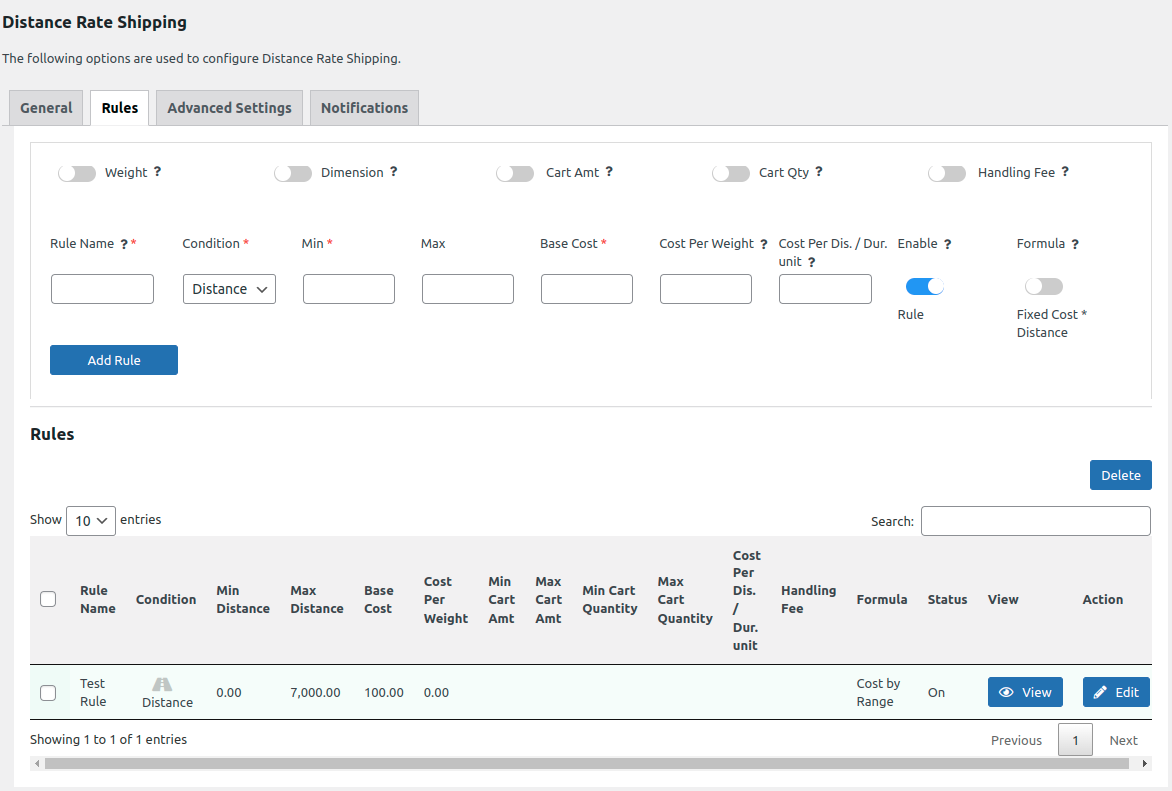
Map the shipping zone and methods to locations.

Then created rule will be applied on the front end.

If you want to put products from different places into your shopping cart, you need to turn on the “Split Package by Location” option.

Once it’s on, if you add products from two different places while shopping. They will make separate packages.

To see all the information about how to use Distance Rate Shipping for WooCommerce, Click here
To buy theDistance Rate Shipping for WooCommerce, Click here