
To calculate the distance and duration between the shipping or billing address and the WooCommerce store or warehouse address, the plugin uses the Google Maps Distance Matrix API, Geocoding API, and Javascript API. Note that a Google Map API is required for this functionality.
How to obtain Google Map API Key :-
- Access the website https://console.developers.google.com and sign in using your Google account to proceed.
- On the Dashboard screen, access the left-hand menu and click on “Library”. Then, search for “Google Maps Distance” and click on it Matrix API. geocoding,javascript api.
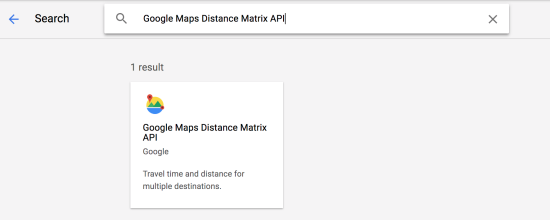
Distance rate matrix image
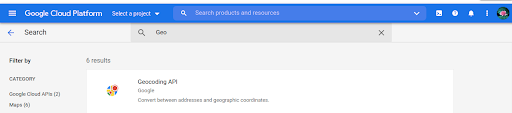
GeoCoding API Image
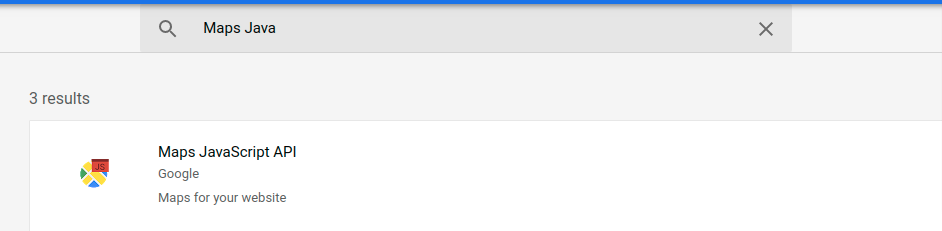
Map Javascript API Image - Click on the Enable button.
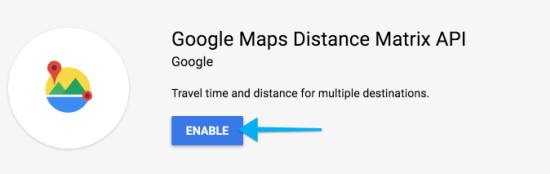
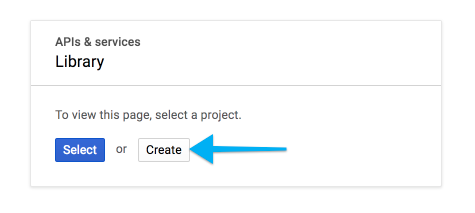
- Then Create to create a new project
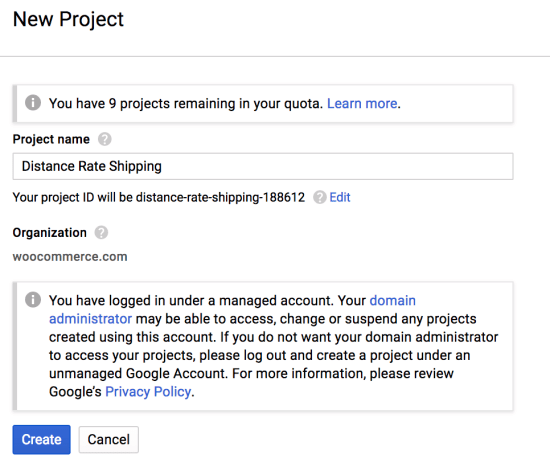
- Give your new project a name, i.e., Distance Rate Shipping, and then click Create.
- Click the Enable API button, then click the Credentials tab from either the left-hand menu or the banner across the top.

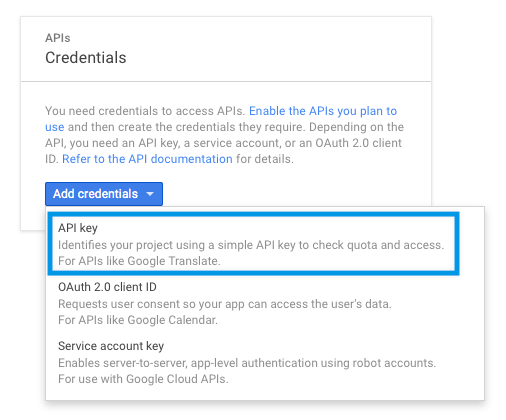
- Click Add credentials and choose API key.
- A window will pop up, with your new API key. Admin can set Application restrictions and API restrictions as per their requirements, if needed
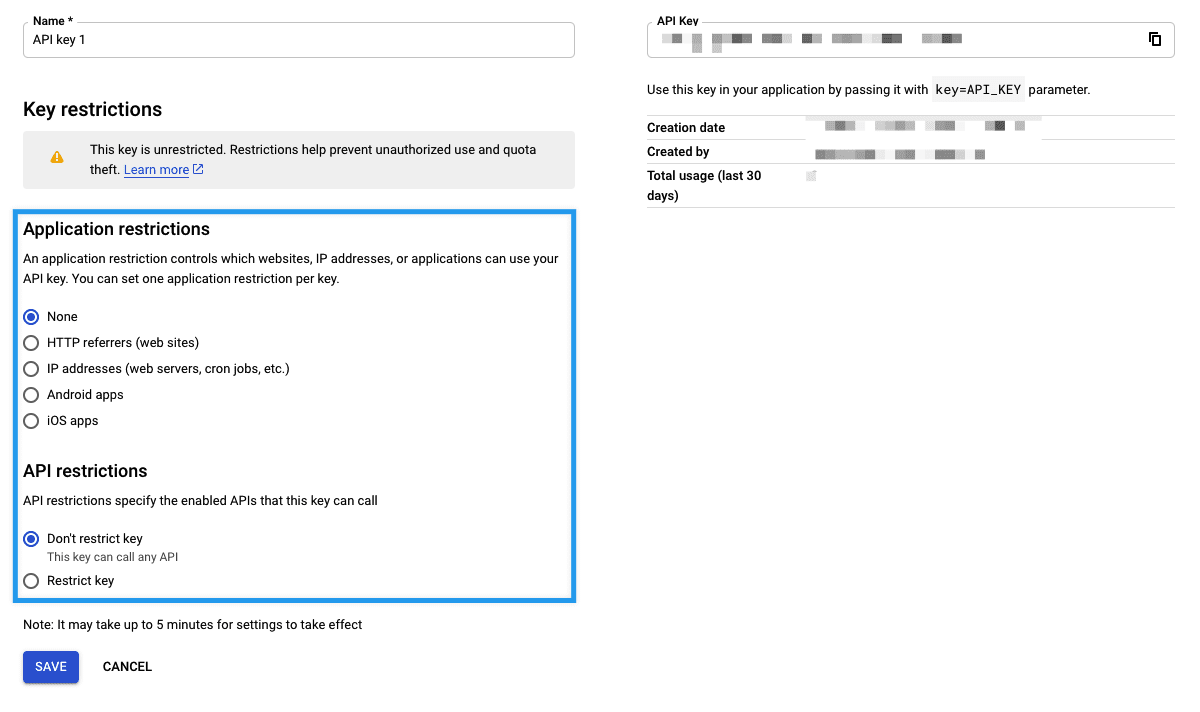
- Copy the API key generated in the pop-up box and keep it as you will need to enter this in the Google API textbox.
- Clicking on Validate will check if the entered API key is valid or not.