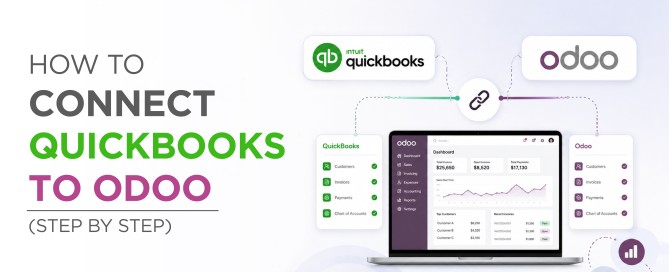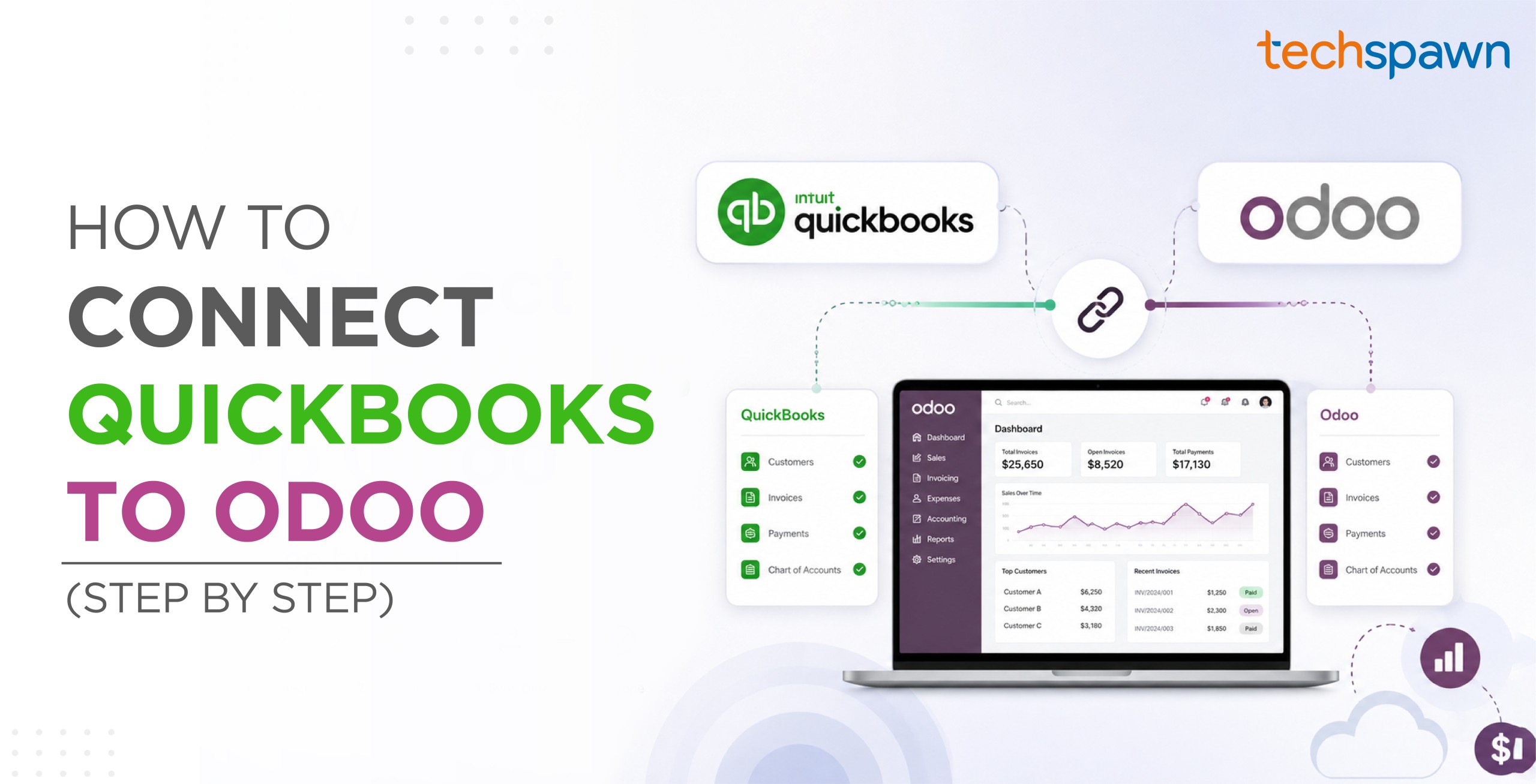
How to Connect QuickBooks to Odoo (Step by Step)

To connect QuickBooks to Odoo, install a QuickBooks Odoo connector module in your Odoo instance, authorise it against your QuickBooks Online company, map your accounts and sync settings, then run an initial sync followed by a scheduled one. The whole setup takes an afternoon for a standard configuration.   That's the short version. The rest of this article is the part that keeps your first sync from creating duplicate customers or misposting to the wrong account, the setup sequence in order, the decisions to make before you click sync, and the errors we see most often.   We build the [...]

How to Connect QuickBooks to Odoo (Step by Step)2026-08-18T11:14:00+00:00

QuickBooks Odoo Connector

Stop Entering Data Twice. Sync Everything, Automatically. By Techspawn Solutions  |  Available on Odoo Apps Store  |  Odoo v11–v19  |  $370.36 one-time ✅  Two-Way Sync   |   ✅  One-Click Setup   |   ✅  90-Day Free Support   |   ✅  Works on Odoo Online, .sh & On-Premise If your business runs QuickBooks Online for accounting and Odoo for operations, you already know the problem: the two platforms don't talk to each other and that silence is costing you money. The QuickBooks Odoo Connector by Techspawn Solutions eliminates that gap permanently. Instead of manually exporting CSVs, re-entering invoice, [...]

QuickBooks Odoo Connector2026-03-11T05:26:56+00:00
Go to Top