
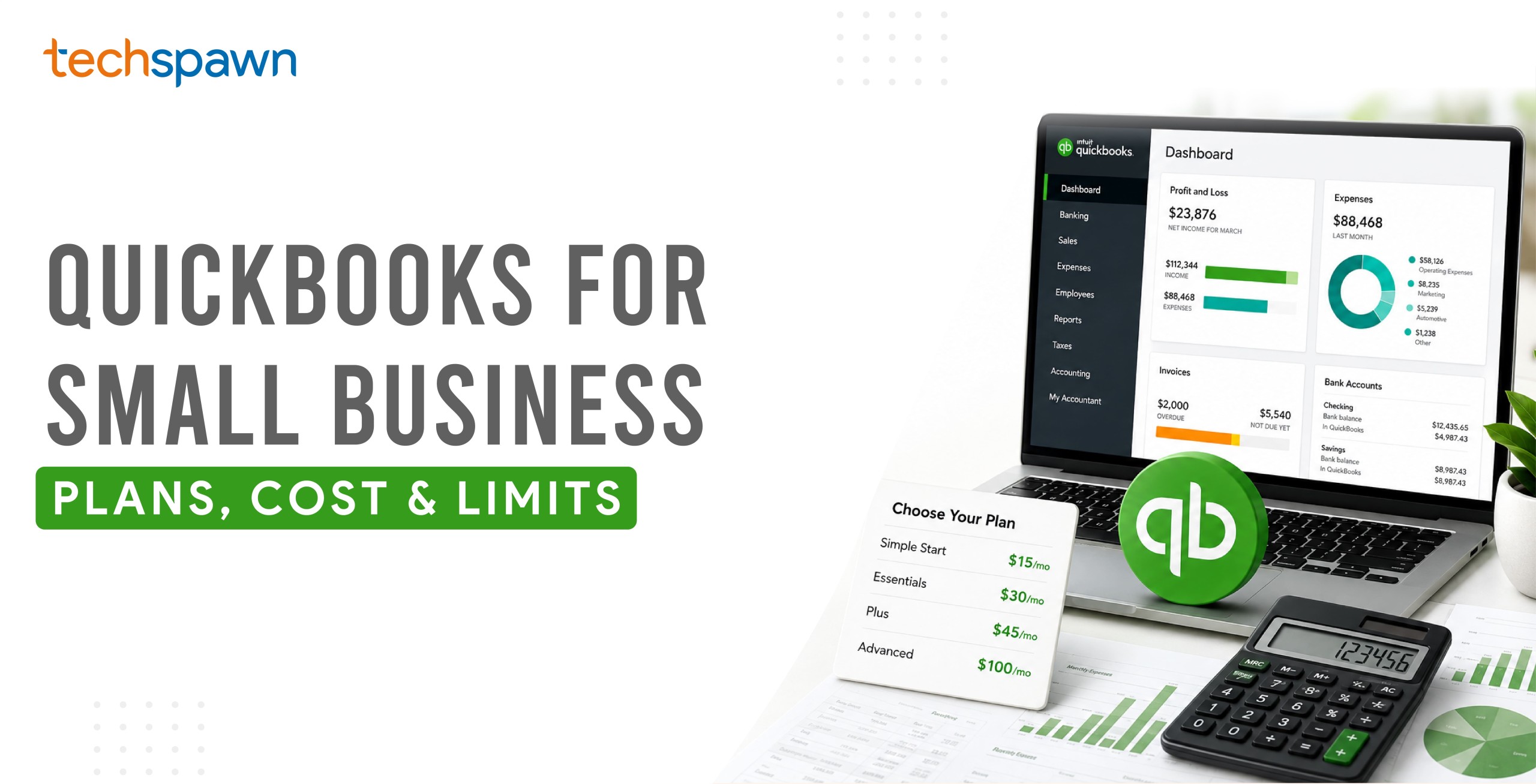
For most small businesses in the US, QuickBooks is the default accounting choice – it handles invoicing, expenses, bank reconciliation, tax prep and reporting, and nearly every accountant already knows it. QuickBooks Online offers five plans from roughly $20 to $275 a month in 2026, scaling from solo freelancers up to 25-user firms.
That popularity is earned, but it isn’t the whole story. QuickBooks is accounting software, not a full business system and knowing exactly where it stops is what saves a growing business from a painful, expensive surprise later. This article covers what QuickBooks does for a small business, what each plan costs in 2026, where it falls short, and what to do when you outgrow it – the full picture on whether QuickBooks for a small business fits yours.
We build the QuickBooks–Odoo connector and work daily with US small businesses whose financial data has to flow between accounting and operations, so the “where it stops” section below comes from real integrations, not a feature comparison.
What does QuickBooks do for a small business?
QuickBooks is cloud accounting software that records money in and money out, and turns that into the reports a small business runs on. In practice it handles invoicing and getting paid, tracking bills and expenses, connecting to your bank to reconcile transactions automatically, sales tax, basic reporting like profit and loss, and on higher plans – inventory, project profitability and multi-user access.
The reason it dominates isn’t only the software. It’s the ecosystem: almost every US bookkeeper and accountant works in QuickBooks daily, it connects to hundreds of other apps, and your tax preparer can open your books without a translation layer. For a small business, that accountant familiarity is worth real money at tax time.
The five QuickBooks Online plans in 2026
QuickBooks Online (QBO) is the current, cloud-based product Intuit actively develops and the one nearly all new small businesses should consider. It comes in five tiers. Prices below are 2026 US list rates and move often Intuit raised prices across the board in 2026, so treat them as approximate and confirm the live figure on <a href=”https://quickbooks.intuit.com/pricing/” rel=”noopener” target=”_blank”>Intuit’s official pricing page</a> before you budget.
| Plan | Rough 2026 US price/mo | Users | Best for |
|---|---|---|---|
| Solopreneur | ~$20 | 1 | One-person businesses filing a Schedule C; income, expense and mileage tracking, no balance sheet |
| Simple Start | ~$35–38 | 1 | Solo owners who need real double-entry accounting, invoicing and 1099s |
| Essentials | ~$70–75 | 3 | Small teams needing bill management (accounts payable), time tracking and multi-currency |
| Plus | ~$110–115 | 5 | The most popular tier — adds inventory tracking and project profitability |
| Advanced | ~$250–275 | 25 | Established firms needing batch processing, custom roles, analytics and dedicated support |
Most product-selling or project-based small businesses land on Plus, because inventory and project profitability live there and nowhere cheaper. Solo service providers usually need Simple Start; the step up to Essentials mainly buys accounts payable and extra users.
What does QuickBooks really cost?
The sticker price is the smallest number you’ll pay, and it’s worth knowing why before you commit.
The list price rises after the promo. Intuit typically offers either a 30-day free trial or 50% off for three months not both and the discount expires into the full rate. Budget on the full price, not the introductory one.
Per-user limits force expensive jumps. Each plan caps users. Need a sixth user on Plus? There’s no small add-on – you’re pushed to Advanced, which can more than double your monthly bill. Plan your plan around headcount 12 months out.
The real costs stack on top. Payroll is a separate subscription (roughly $50/month plus about $6 per employee). Card payments run about 2.9% plus $0.30 per transaction. Live Bookkeeping, QuickBooks Time and marketplace apps all add on. A business on the “$115 Plus plan” frequently pays well north of that once payroll and payments are counted.
None of this makes QuickBooks a bad choice. It makes it a choice to enter with eyes open, which is exactly what an honest small business owner wants.
QuickBooks Online Or Desktop which should a small business use?
Short answer: Online, for almost every new small business. QuickBooks Online is the cloud product Intuit is investing in, it’s accessible from anywhere, and it’s what the app ecosystem and most modern integrations are built for. QuickBooks Desktop has been progressively wound down for new US subscribers, so building a new business on it means building on a shrinking platform. Unless you have a specific, unusual reason to run Desktop, Online is the forward-looking answer.
Is QuickBooks for a small business the right choice?
A strong fit if you are a service business, freelancer, agency, or product seller that needs proper accounting invoicing, expenses, reconciliation, tax-ready books your accountant can work in. It’s especially strong for US businesses, where its tax and compliance features and its accountant network are deepest.
QuickBooks is at its best as the financial core of a small business: the system of record for money. For that job, in the US, it is very hard to beat.
Where QuickBooks stops
This is the part worth reading slowly, because it’s where growing businesses get caught.
QuickBooks is accounting-first. As a business adds complexity, it runs into edges:
- Inventory is basic. Plus tracks inventory, but not multi-warehouse logic, manufacturing, bills of materials, or landed costs. Product businesses outgrow it.
- No real operations. There’s no manufacturing, no purchasing workflow beyond basic bills, no field service, no project management to speak of beyond profitability tracking.
- Thin CRM. QuickBooks is not where you run a sales pipeline.
- User limits bite. The jump from Plus to Advanced for a sixth user is a real cost cliff.
- It’s a US accounting tool first. Multi-country operations quickly need more.
The pattern we see repeatedly: a business loves QuickBooks for accounting, but starts running its operations – stock, orders, manufacturing, projects in spreadsheets alongside it, because QuickBooks was never built for them. For a growing small business, that’s the clearest sign QuickBooks alone has reached its ceiling the moment to add an operational system, not to replace QuickBooks.
What to do when you outgrow QuickBooks
You have two honest paths, and the right one depends on how much you value your accountant’s familiarity with QuickBooks.
Path one – replace it. Move accounting into a full ERP that also runs operations. This consolidates everything in one system but means leaving QuickBooks, retraining, and often re-establishing your accountant’s workflow. For some businesses that’s the right call.
Path two – keep QuickBooks, add operations, and connect them. Run Odoo for what it does best – inventory, manufacturing, sales, purchasing, CRM, projects and keep QuickBooks as your accounting system of record. A connector syncs the two so you don’t key data twice.
Path two is what many growing US small businesses choose, because it keeps the accounting relationship intact while giving operations a proper home. It’s also exactly what our QuickBooks Odoo Connector is built for.
How the QuickBooks-Odoo connector works
For businesses running both, the connector keeps QuickBooks Online and Odoo in agreement, two ways, so each system holds what it’s best at without manual re-entry.
| Area | Syncs |
|---|---|
| Sales | Customers, sales orders, estimates |
| Purchases | Vendors, purchase orders |
| Inventory | Products, product categories |
| Accounting | Accounts, payment terms and methods, invoices, invoice payments, bills, bill payments, journals |
| Tax | Import into Odoo |
| People | Employees, employee categories |
Two design points matter for anyone trusting it with financial data:
It’s queue-based. Sync runs through a job queue, so a large import doesn’t fail as one lump and no records are silently lost. If something errors, it’s isolated and visible rather than quietly missing from your books.
It logs everything, over any date range. A built-in logger tracks import and export status in real time, and you can import data for a chosen date range useful for a controlled first sync or for reconciling a specific period rather than everything at once.
The connector supports US accounting, works on Odoo 11 through 19 across Community, Enterprise and Odoo.sh, and includes 90 days of support. It’s licensed per company/database, so a multi-company setup needs a licence per company.
Frequently asked questions
Is QuickBooks good for a small business? Yes, for accounting. QuickBooks is the default US small business accounting software because it handles invoicing, expenses, reconciliation, tax and reporting well, and nearly every accountant already knows it. It is less suited to running operations like manufacturing, deep inventory or CRM, which sit outside its scope.
How much does QuickBooks cost for a small business? QuickBooks Online has five 2026 plans, roughly $20/month for Solopreneur up to about $275/month for Advanced, with Plus the most popular around $110–115. Payroll, payments and add-ons cost extra, and prices rose across the board in 2026, so confirm current rates at intuit.com.
Which QuickBooks plan is best for a small business? Solo service providers usually need Simple Start; small teams needing bill management and multiple users need Essentials; product sellers and project-based businesses need Plus for inventory and project tracking; larger firms with more users or complex reporting need Advanced.
Should a small business use QuickBooks Online or Desktop? Online, for nearly all new small businesses. It’s the cloud product Intuit actively develops, works from anywhere, and has the widest app and integration support. Desktop has been wound down for new US subscribers.
What are the limitations of QuickBooks for a small business? QuickBooks is accounting-first. It has basic inventory, no manufacturing or real purchasing workflow, thin CRM, and firm per-plan user limits. Growing businesses often run operations in spreadsheets alongside it, which is the signal to add an operational system.
Can QuickBooks connect to an ERP like Odoo? Yes. A connector can sync QuickBooks Online with Odoo two ways: customers, orders, products, invoices, bills, payments and journals – so a business can keep QuickBooks for accounting and use Odoo for operations without duplicate data entry.
Do I still need an accountant if I use QuickBooks? QuickBooks handles the bookkeeping, but most small businesses still use an accountant for tax filing, compliance and advice. One reason QuickBooks is so widely chosen is that accountants can work directly in it.
Next step
If QuickBooks runs your books well but your operations are spilling into spreadsheets, the answer usually isn’t to abandon QuickBooks – it’s to give operations a proper home and connect the two.
See how QuickBooks and Odoo sync → | See Odoo on live data → | Talk to our team →