Odoo and QuickBooks Online are two powerful business management tools that are popular among small to medium-sized enterprises. Odoo is an open-source ERP software that allows businesses to streamline their operations, while QuickBooks Online is a cloud-based accounting software that simplifies financial management tasks. Integrating Odoo and QuickBooks Online can help businesses optimize their workflows and ensure seamless data transfer between the two systems. This is where the Odoo QuickBooks Online Connector comes into play.
In this blog post, we will explore the benefits of integrating Odoo and QuickBooks Online and discuss how the Odoo QuickBooks Online Connector works.
Benefits of Integrating Odoo and QuickBooks Online
Streamlined Data Transfer: By integrating Odoo and QuickBooks Online, businesses can ensure seamless data transfer between the two systems. This means that financial data such as invoices, bills, and payments can be easily transferred between Odoo and QuickBooks Online, eliminating the need for manual data entry.
Improved Efficiency: Integrating Odoo and QuickBooks Online can improve the efficiency of business operations by reducing manual data entry and eliminating the risk of errors. This can save businesses time and resources that can be used for more productive tasks.
Better Financial Management: QuickBooks Online is a powerful accounting software that allows businesses to manage their finances effectively. By integrating Odoo with QuickBooks Online, businesses can take advantage of QuickBooks Online’s financial management capabilities and ensure accurate financial reporting.
Enhanced Reporting: Odoo and QuickBooks Online provide businesses with powerful reporting capabilities. By integrating the two systems, businesses can generate customized reports that provide valuable insights into their operations and finances.
How the Odoo QuickBooks Online Connector Works
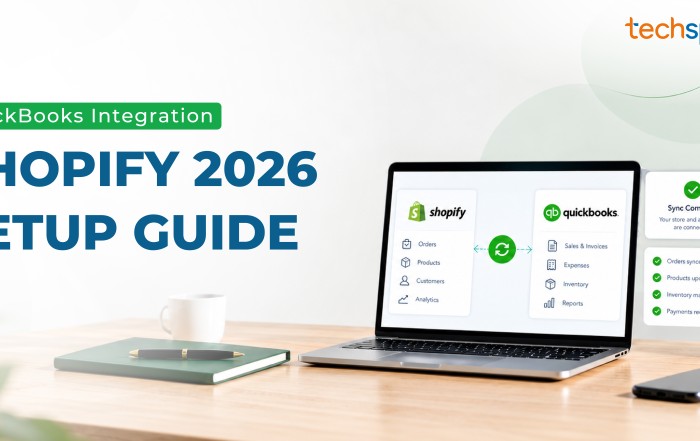
The Odoo QuickBooks Online Connector is a third-party integration tool that allows businesses to connect their Odoo and QuickBooks Online accounts. The connector works by transferring data between the two systems in real-time, ensuring that both systems are always up-to-date.
The Odoo QuickBooks Online Connector supports the following data transfer between the two systems:
Customers: Customer data can be transferred between Odoo and QuickBooks Online, including customer names, addresses, and contact information.
Invoices: Invoices generated in Odoo can be transferred to QuickBooks Online automatically, including invoice numbers, due dates, and payment terms.
Payments: Payment data can be transferred between Odoo and QuickBooks Online, including payment amounts, dates, and payment methods.
Bills: Bills generated in QuickBooks Online can be transferred to Odoo, including bill numbers, due dates, and payment terms.
In conclusion, integrating Odoo and QuickBooks Online can provide businesses with numerous benefits, including streamlined data transfer, improved efficiency, better financial management, and enhanced reporting. The Odoo QuickBooks Online Connector makes it easy to connect the two systems and ensures that data is transferred seamlessly in real-time. By leveraging the power of Odoo and QuickBooks Online, businesses can optimize their operations and achieve greater success.