Let’s see how to use Woocommerce Google Sync with “BookUpp – WordPress Appointment Booking and Scheduling System”
Note: Make sure you have installed and activated with “BookUpp – WordPress Appointment Booking and Scheduling System” plugin. To know more about this plugin , visit here
Activating the “Enable for WooCommerce” setting is all that is required to start working with WooCommerce-based bookable products.
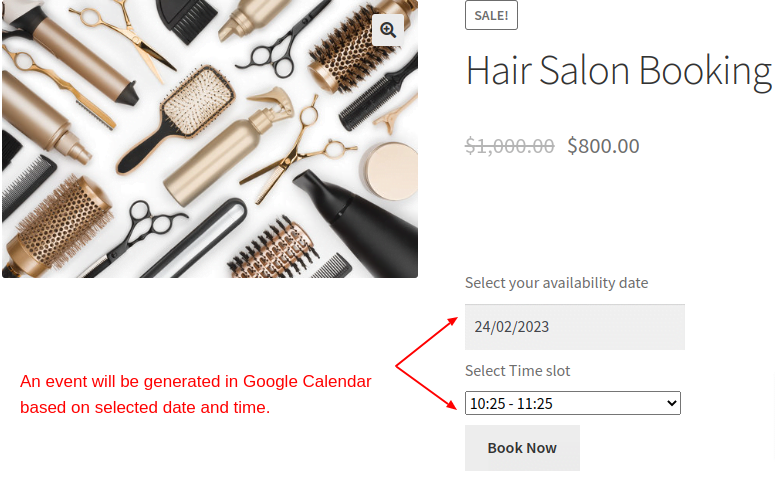
- Navigate to the front end and add a bookable product to the cart, specifying the desired date and time slot.
- After the order arrives at the WooCommerce order page, the admin simply needs to click on the “Event Sync” button.

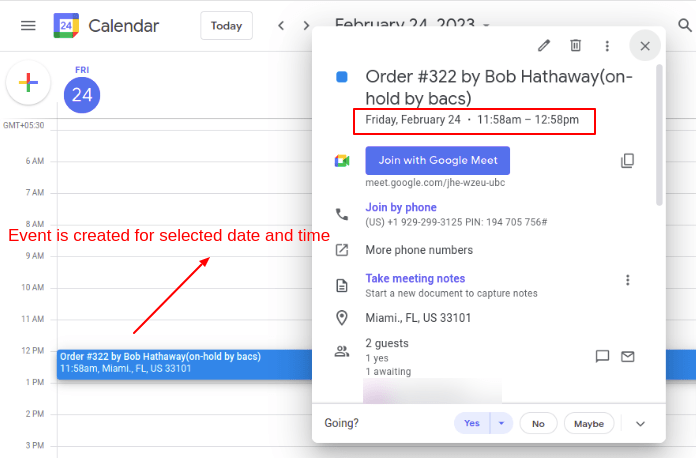
- An event will be generated in Google Calendar based on the selected date and time.