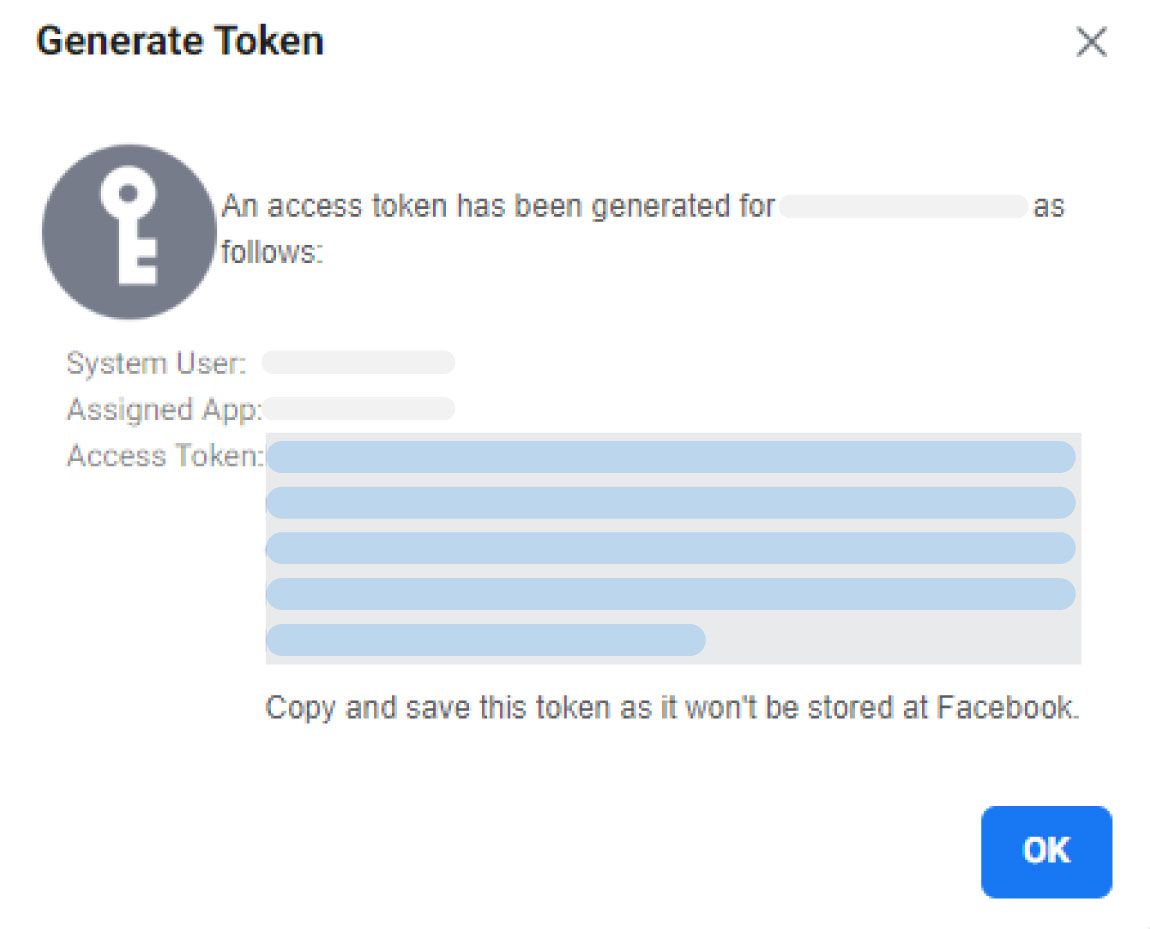
Steps to generate a permanent token
1. Login to the Facebook Business manager
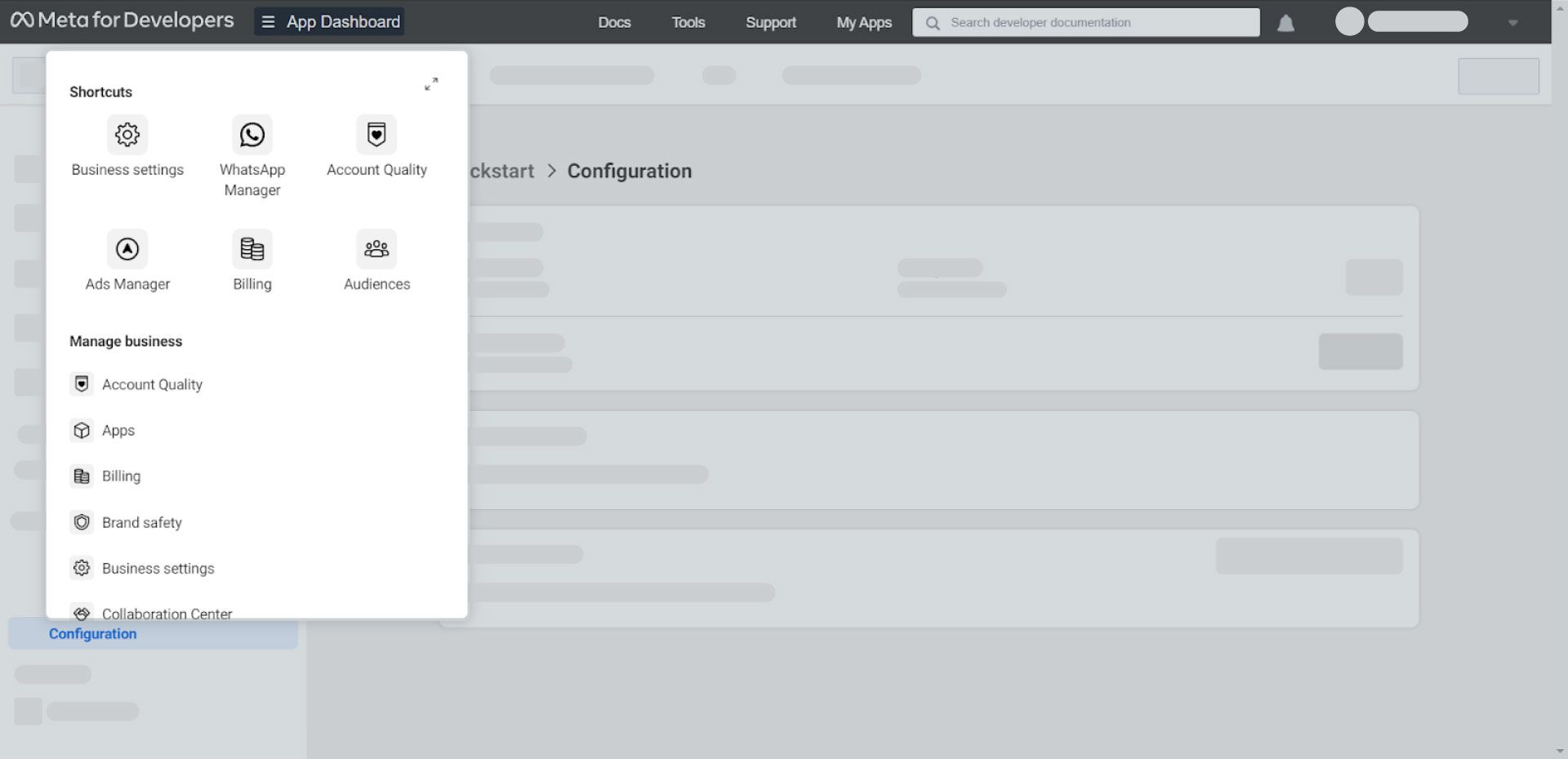
2. Click “App Dashboard” and navigate to “Business settings”.
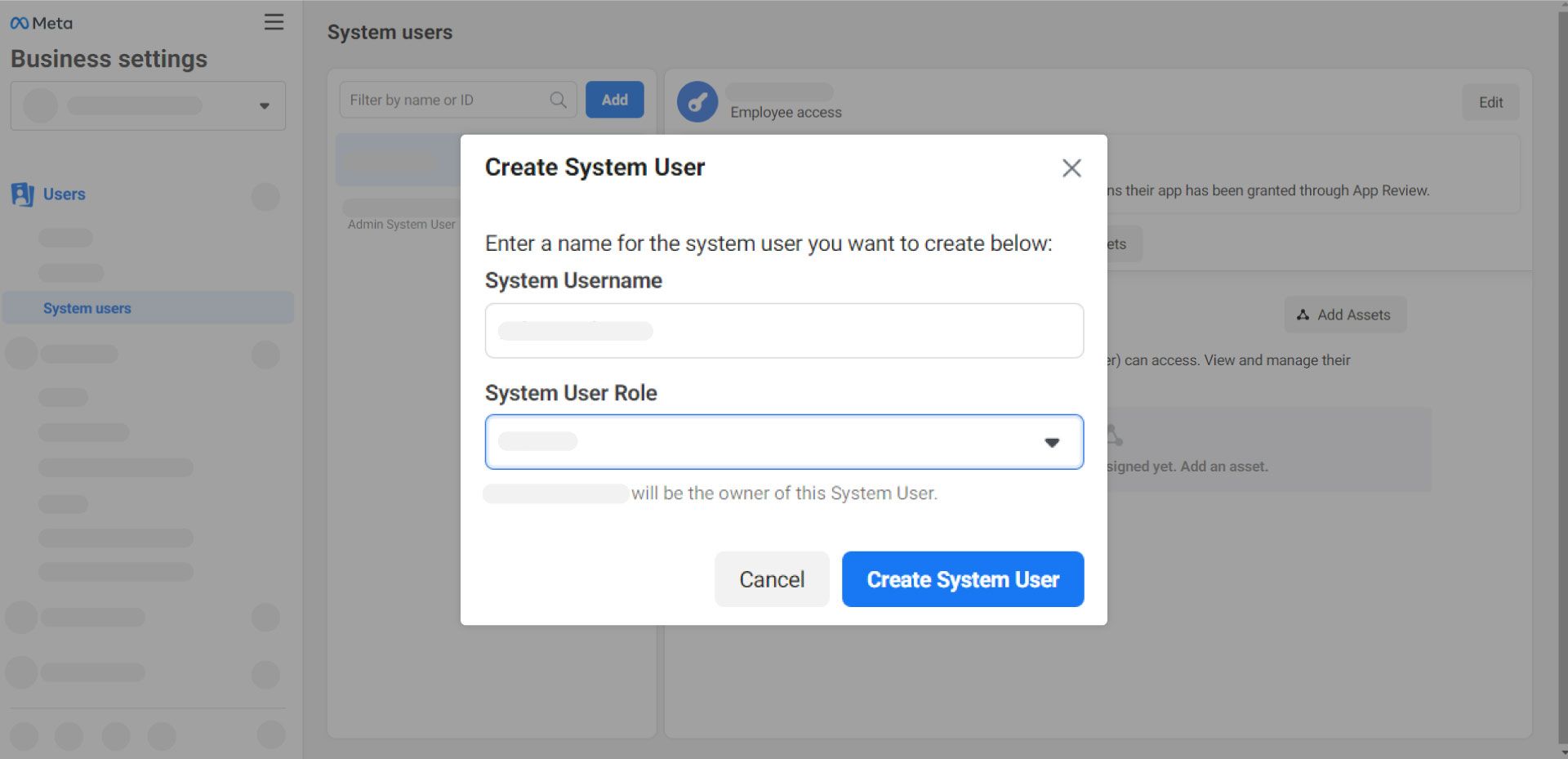
3. Navigate to “System users” (Business Settings > Users > System Users) and click “Add”.
4. Enter System Username and choose the System User Role for the user. Click “Create System User”.
Note: System User Role should be selected as Admin.
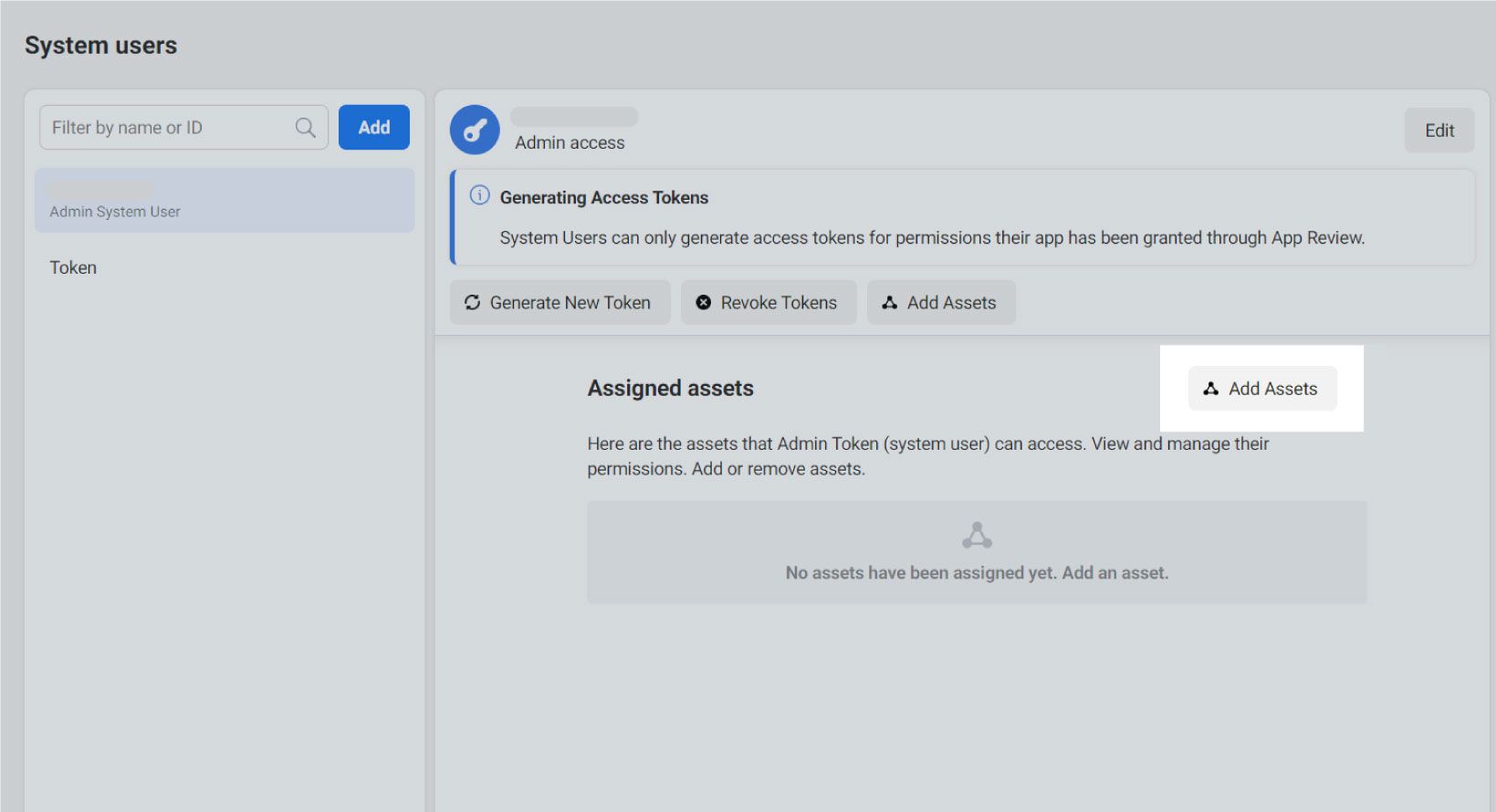
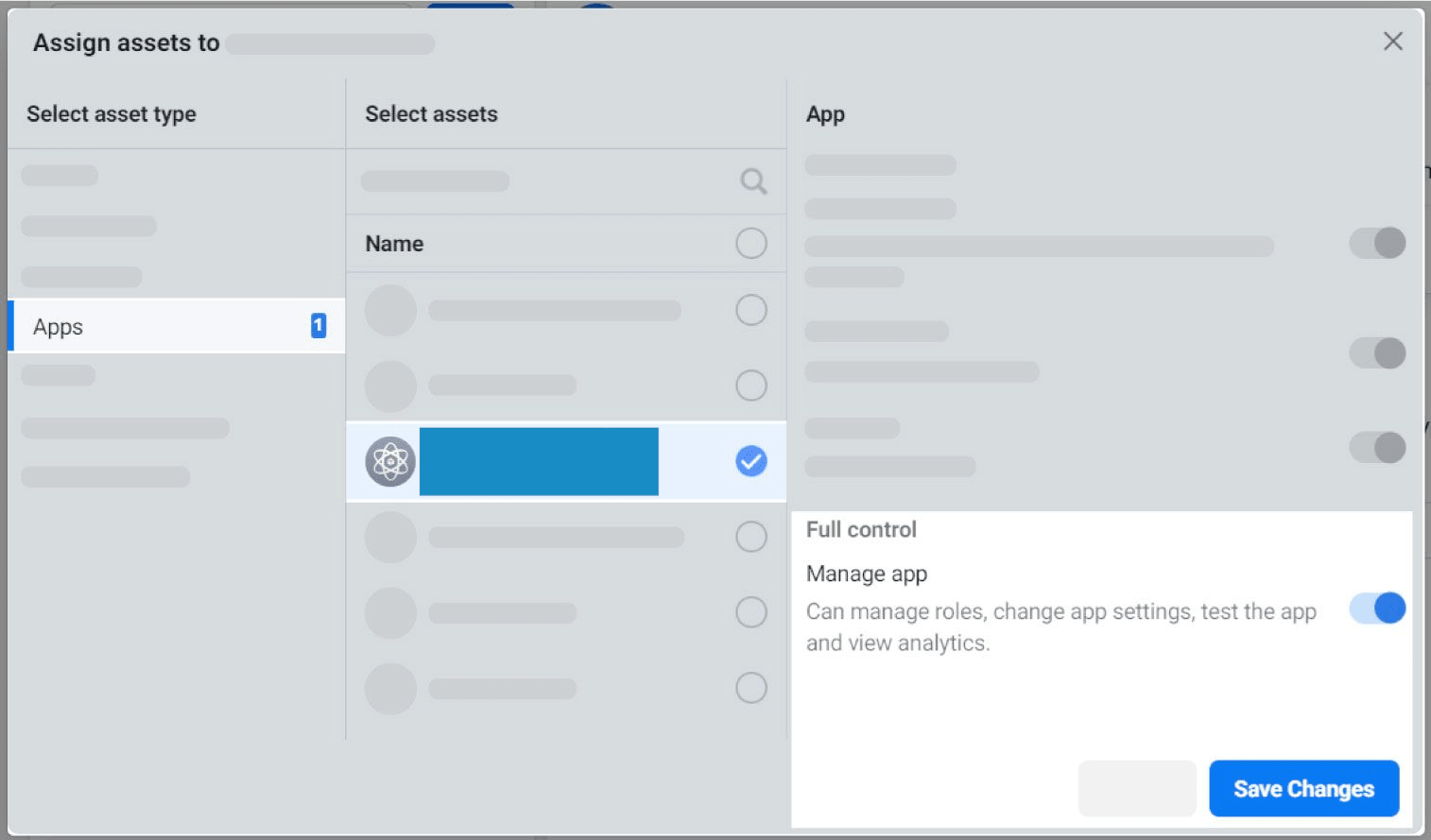
5. Go to “Add Assets” and navigate to Apps.
6. Find and choose your app and then, enable the toggle of “Manage app”. Click on “Save Changes”
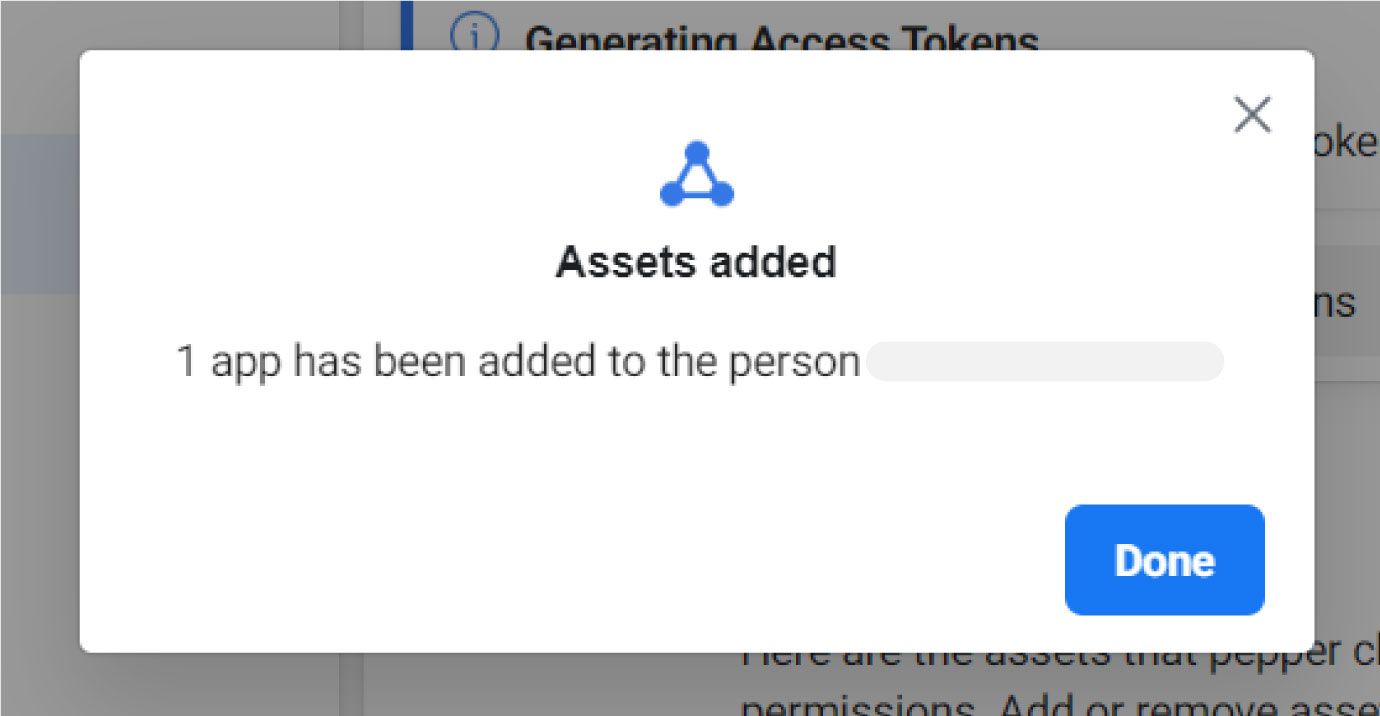
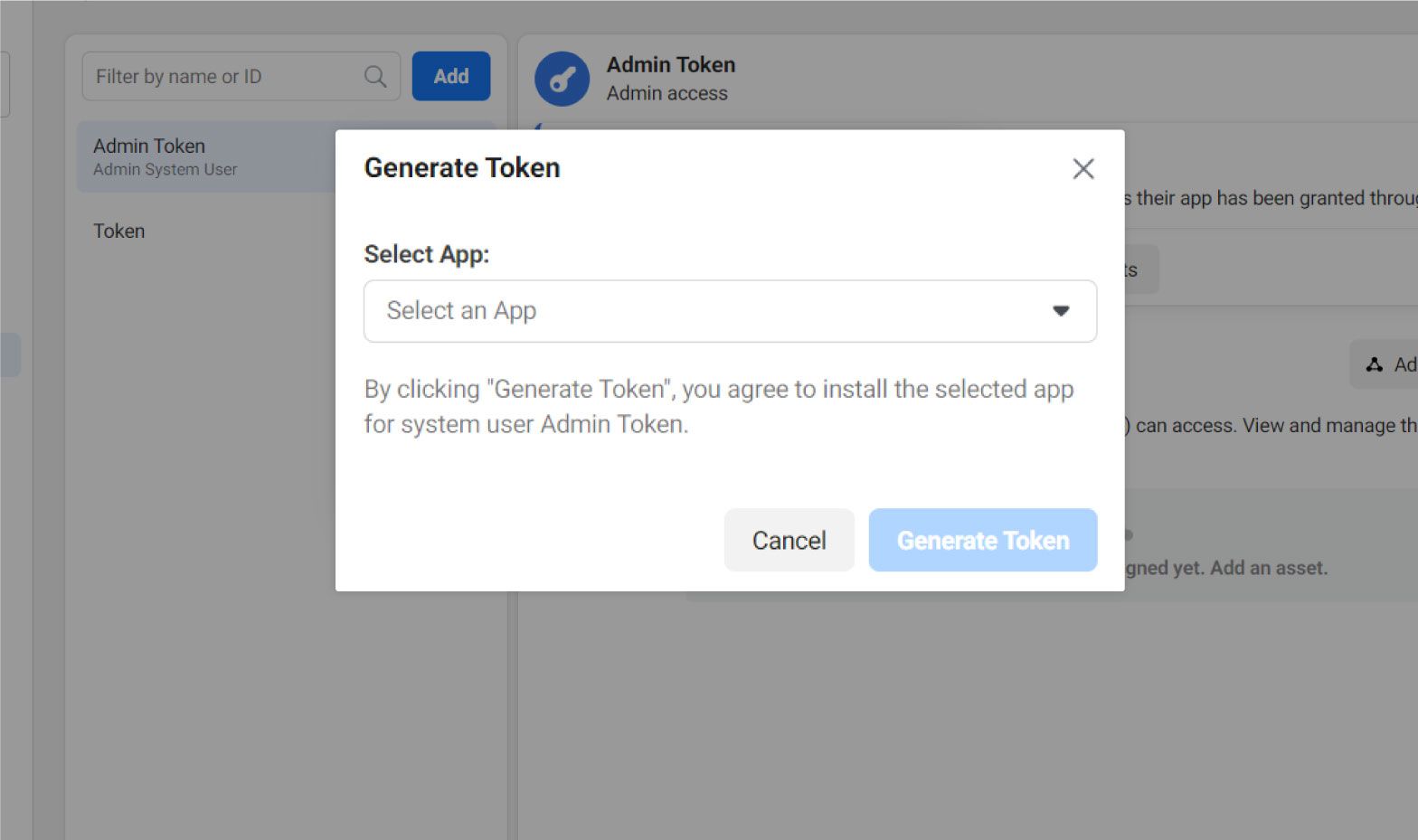
7. Click “Generate New Token” and choose your app to generate a token.
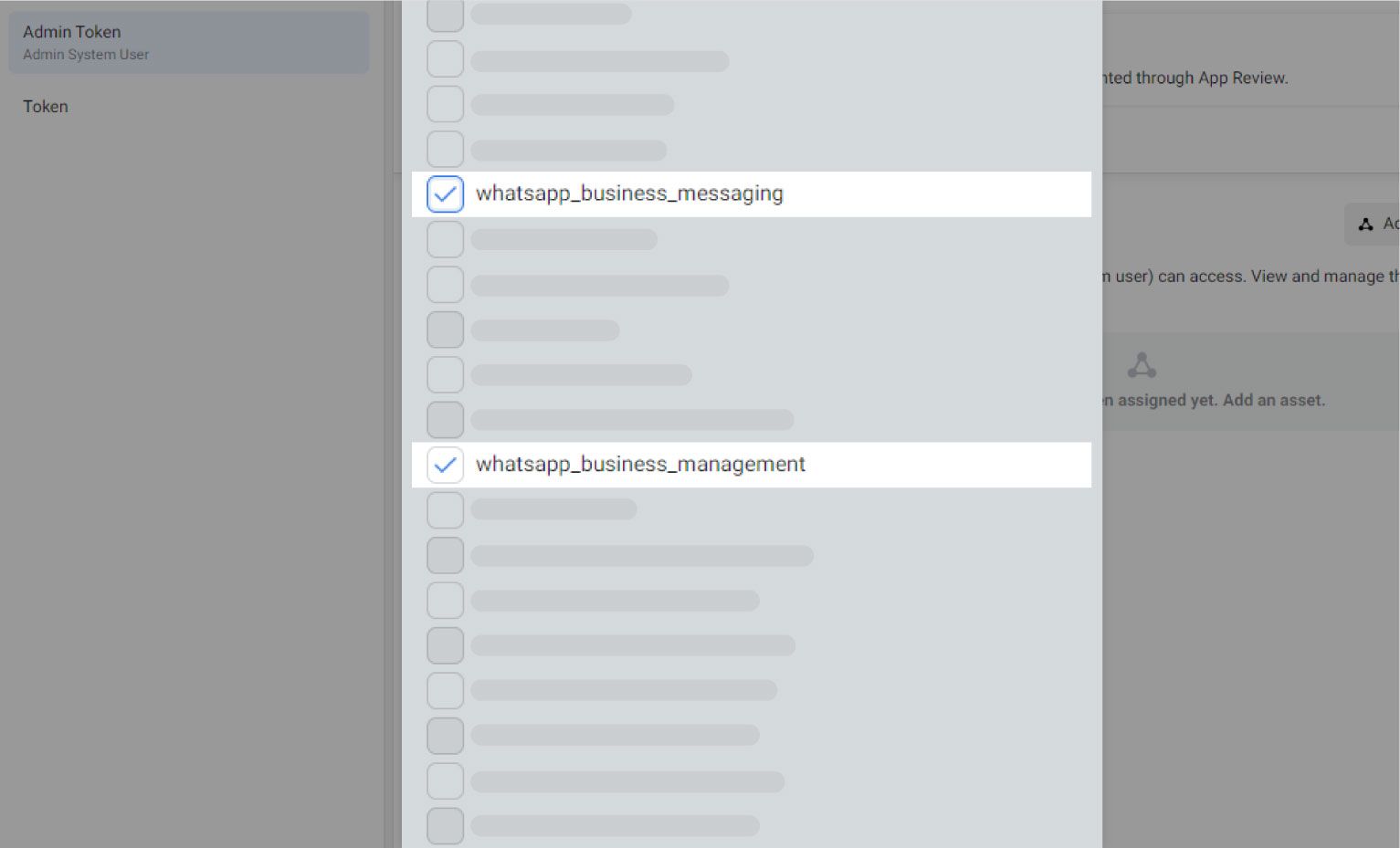
8. Check your “WhatsApp_business_messaging” & “WhatsApp_business_management”.
9. Click “Generate Token” and use it for integrating WhatsApp Cloud API with Whatsapp Abandoned Cart Recovery and Order Notification for Woocommerce