Let’s see how BookUpp – WordPress Booking System appears on frontend or say to end users .
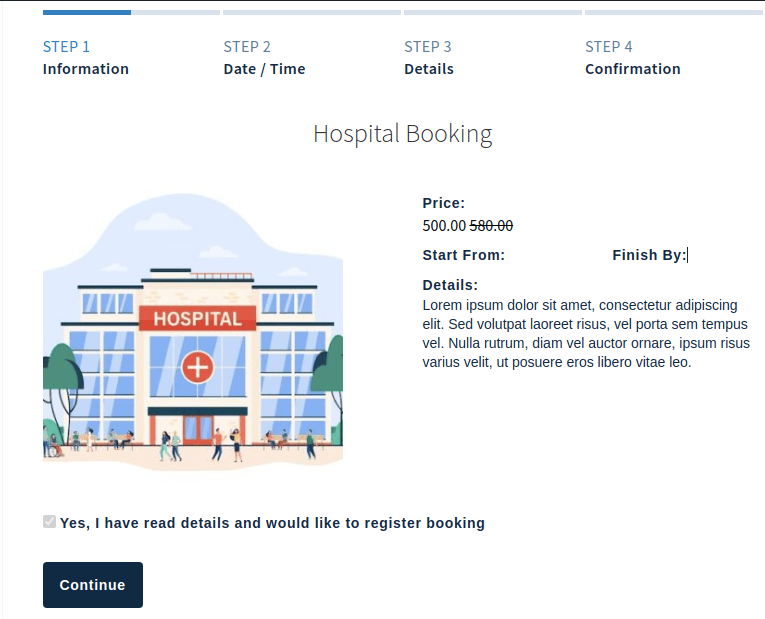
- Users will see the bookable service or product on the front end with the booking information added by the admin as illustrated in the image below.
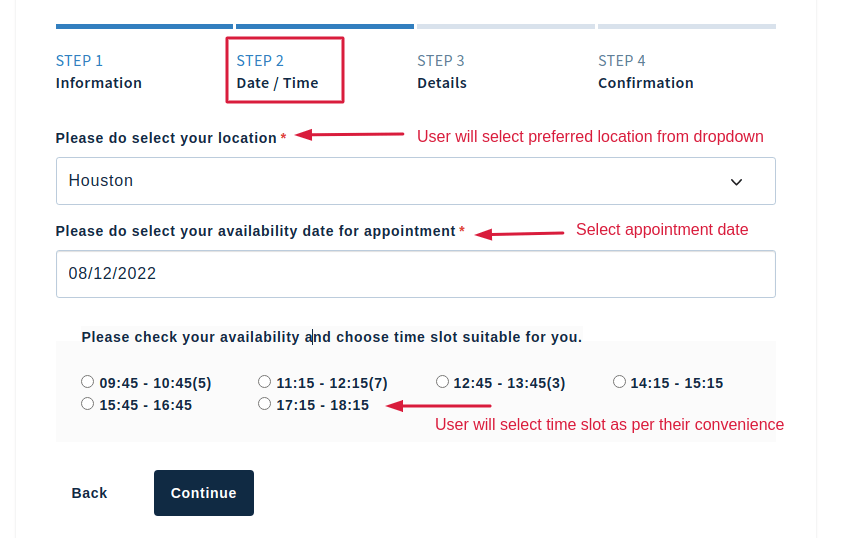
- The user will fill out all the information, including the location, date, and time slot, in step 2 according to their preferences.
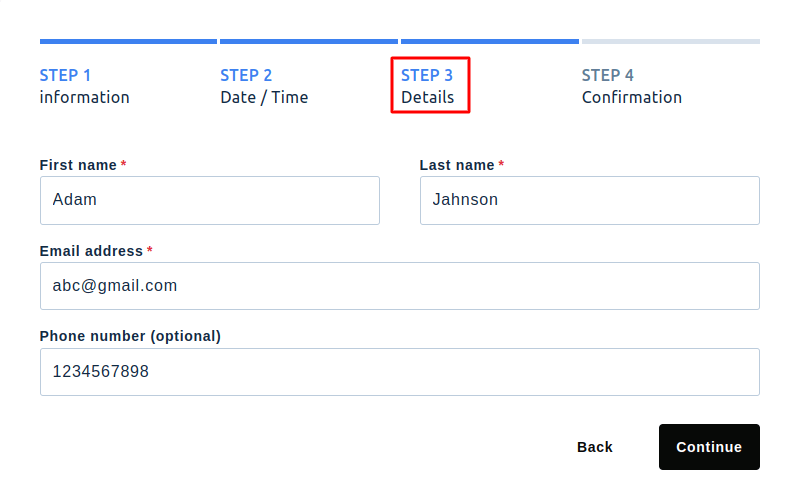
- The user will complete the basic information in Step 3, as shown in the below image
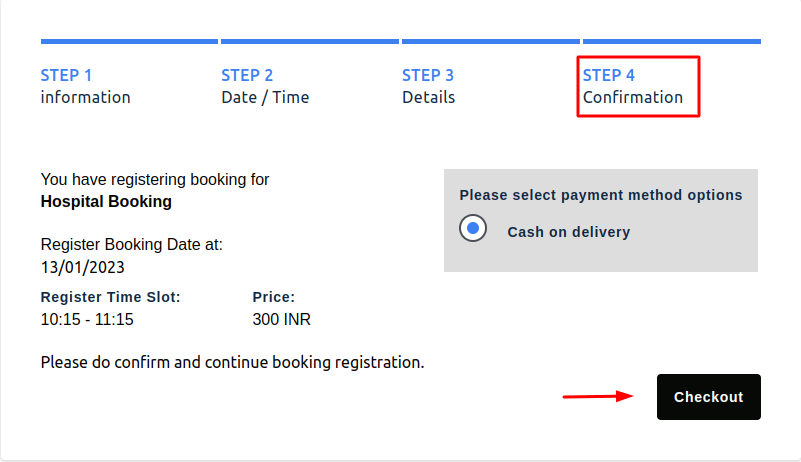
- The user will confirm the booking by clicking the submit button in the final stage.