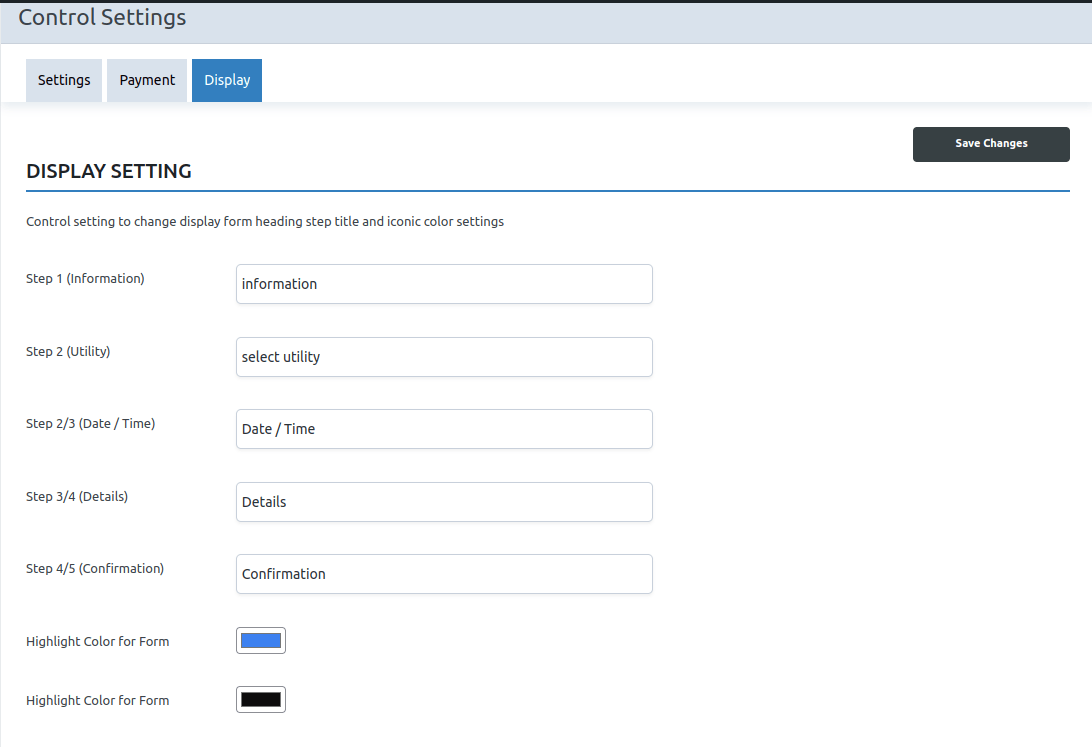
Settings
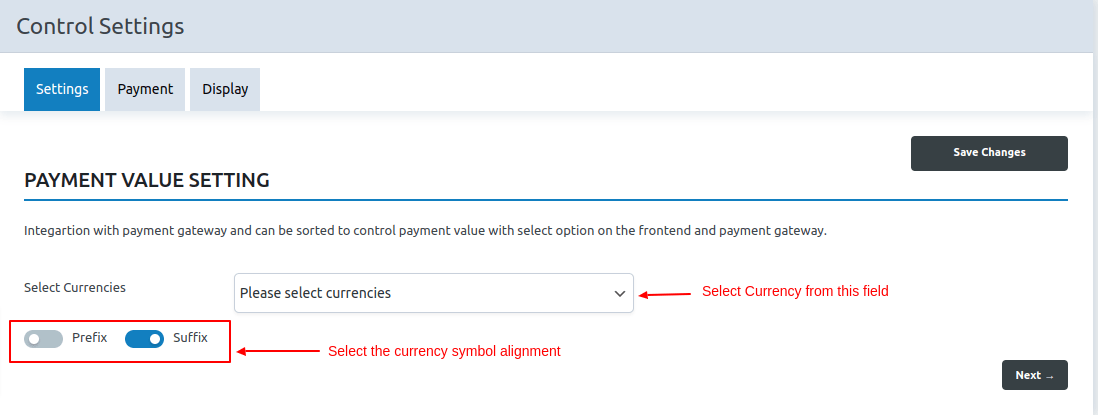
Select Currencies – Select the required currency as per your requirements from this section
Prefix and Suffix – Select the currency symbol type as a prefix or suffix.
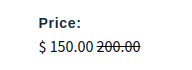 Suffix
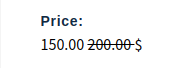
Prefix
Payment
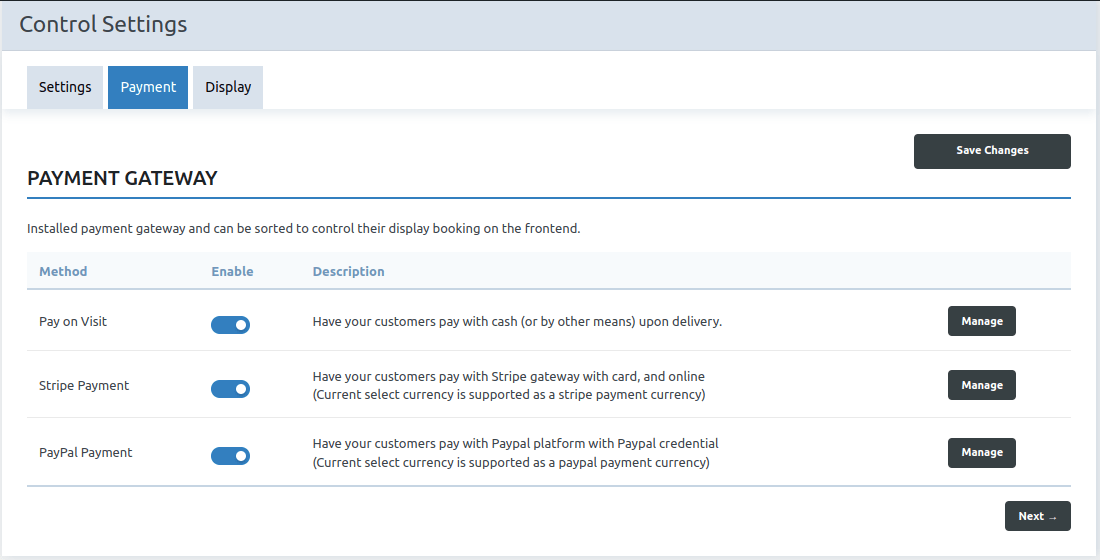
This section displays payment methods. Enable the needed payment method. Our plugin’s default payment method is Pay on Visit.
We do, however, accept other payment methods such as Stripe and Paypal.We have a separate addon for each of these payment methods.
Learn more about it here.
Payment Addons for BookUpp WordPress Booking System :- BookUpp – Paypal Payment Gateway Addon and BookUpp – Stripe Payment Gateway Addon
Display Settings
Admin can change the UI of the steps for booking a product or service on the front end by changing the display settings.