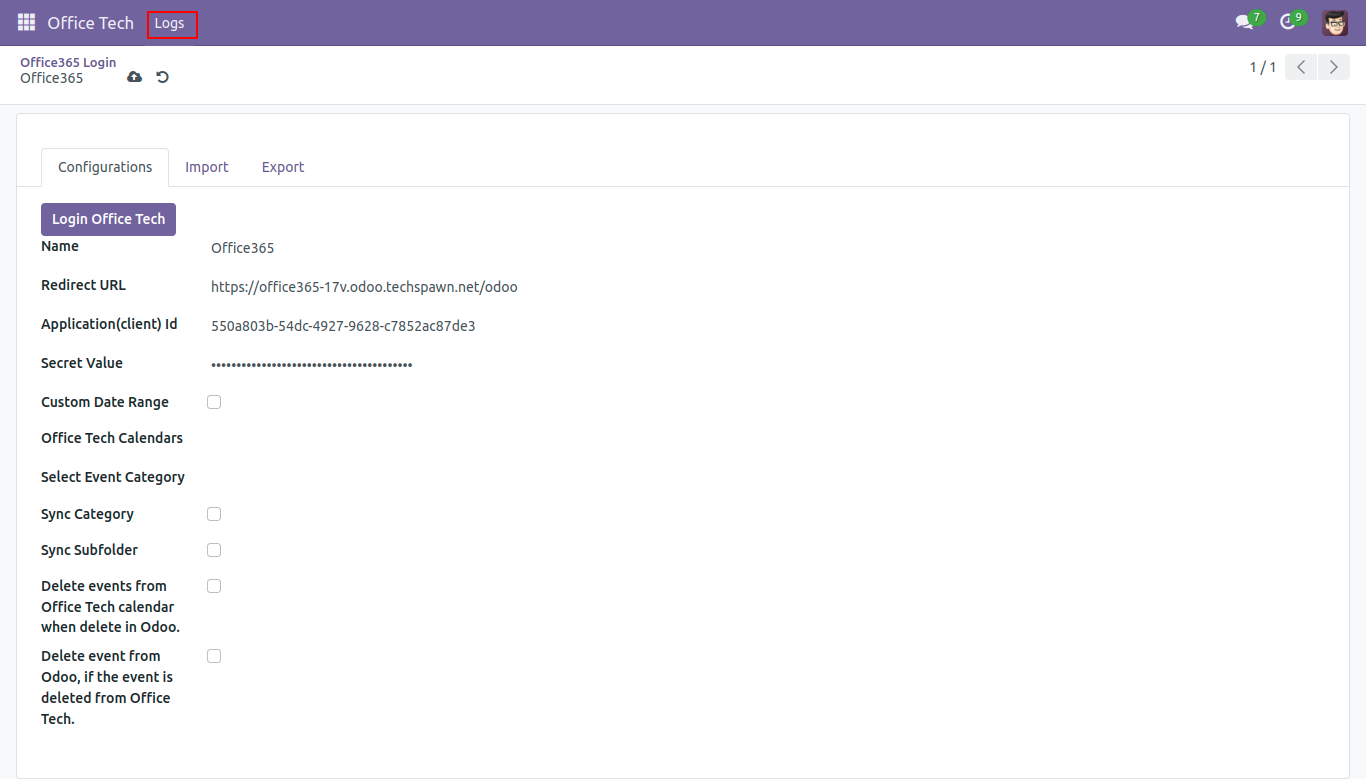
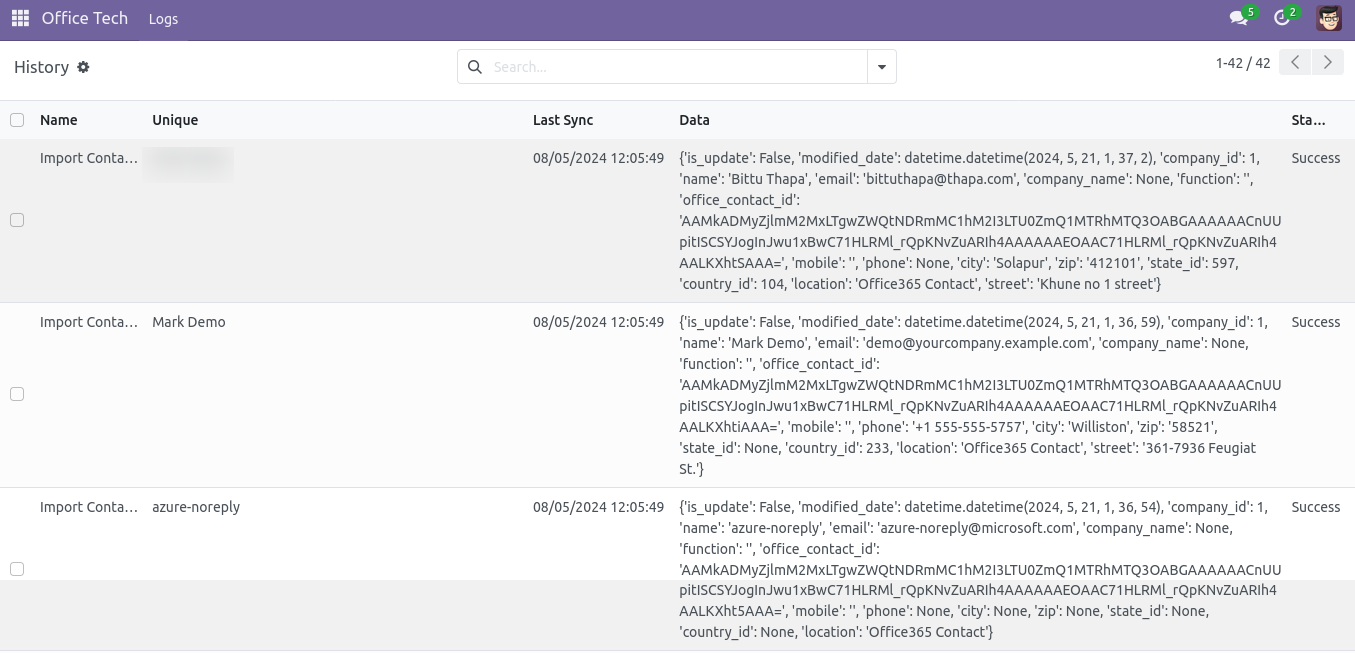
(Make sure you follow all steps of Configuration in Microsoft Azure to get all this credentials)
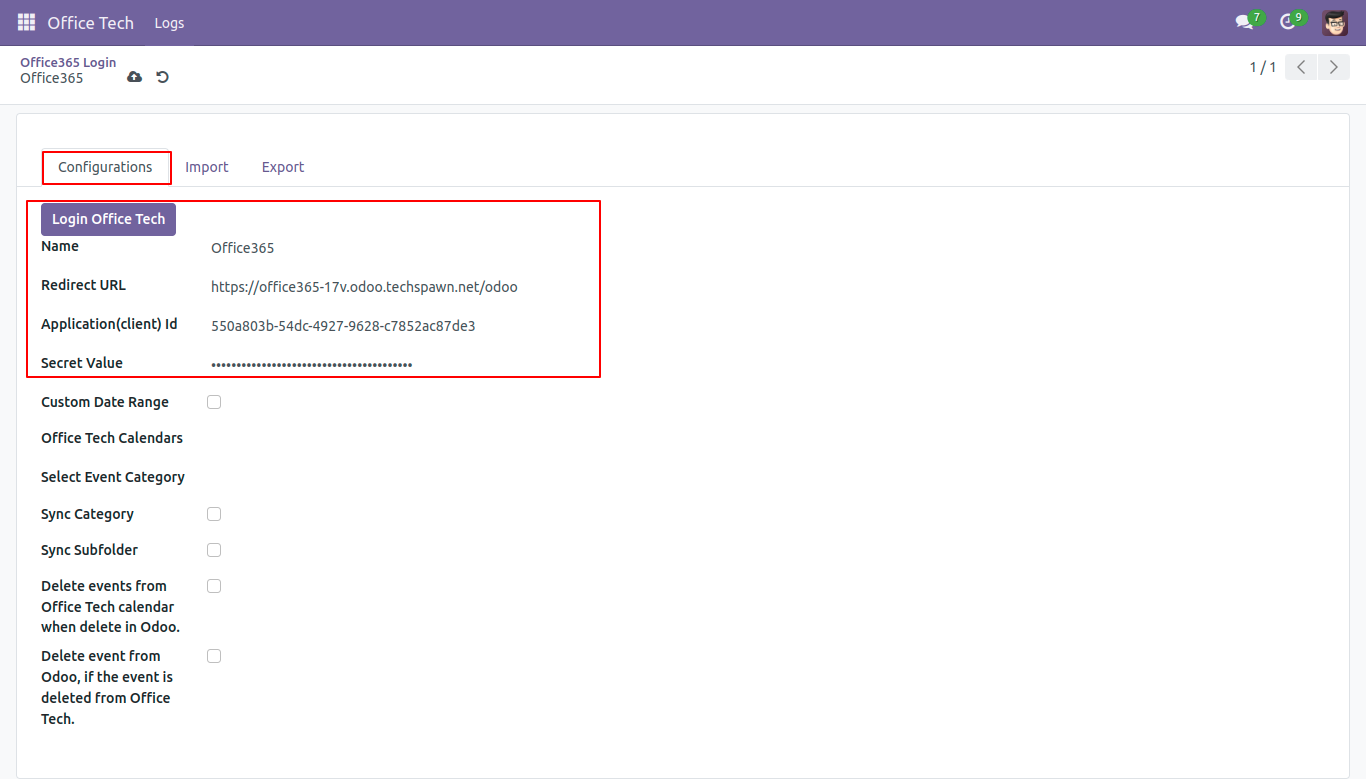
Redirect URL: The URL which we created in Microsoft azure with “/odoo” in last. You need to enter that URL.
Application(Client) Id: The application client ID which we get from Microsoft azure configuration.
Secret Value: The value which we got from Microsoft azure configuration.
Login office tech: It will generate the token and will show if the token is generated successfully and will redirect to same page.
Custom Date Range: You can give custom date range by specifying start and stop date.
Office Tech Calendars: You can choose your calendar event. you can choose birthday event if available so that your birthday event can also be imported.
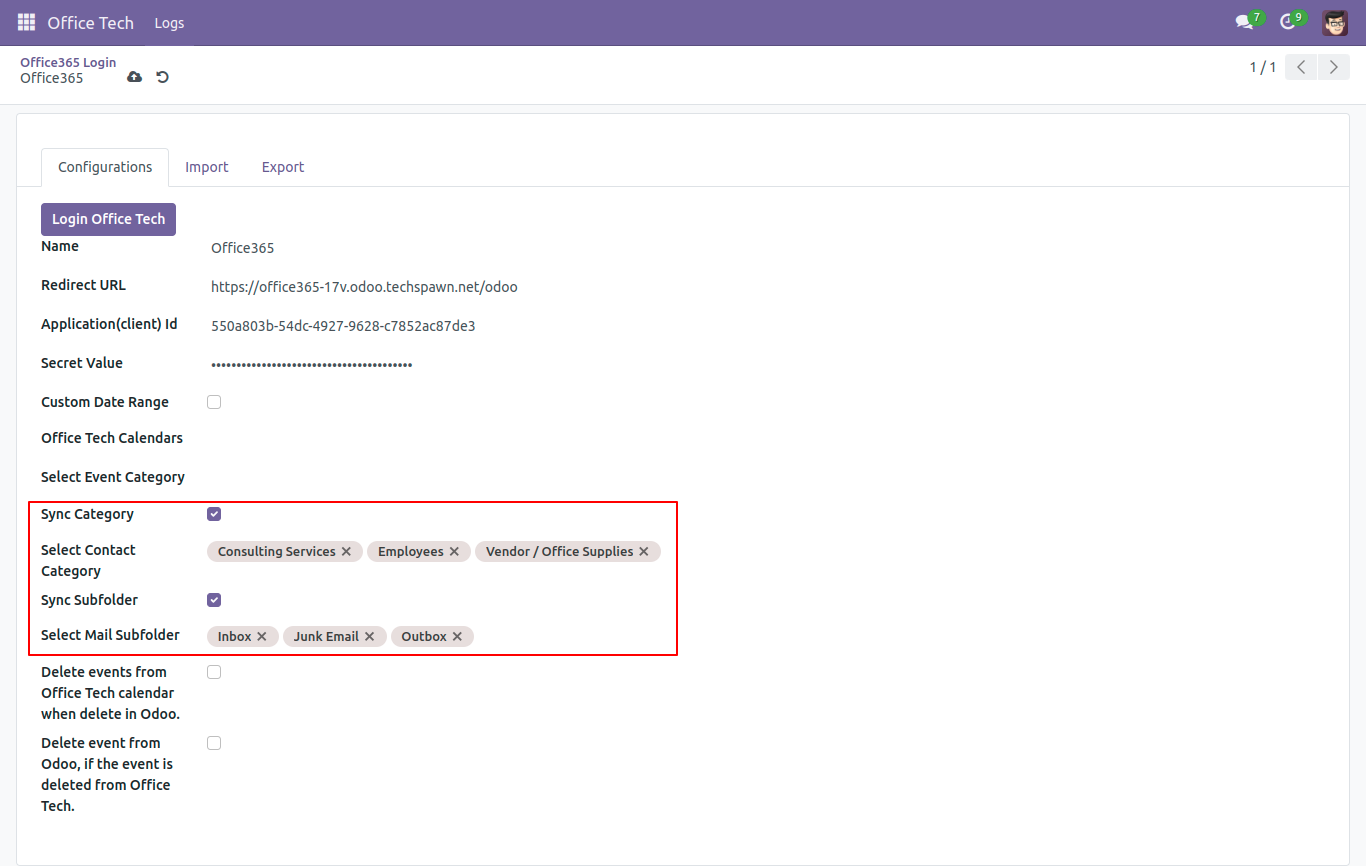
Sync Category: Check the Sync Category box to enable syncing. After that, the Select Contact Category field will show up. In this field, choose the contact category you want to import from Office 365 to Odoo.
Sync Subfolder: Check the Sync Sub folder box to enable syncing. After that, the Select Mail Sub folder field will show up. In this field, choose the mail sub folder you want to import from Office 365 to Odoo.
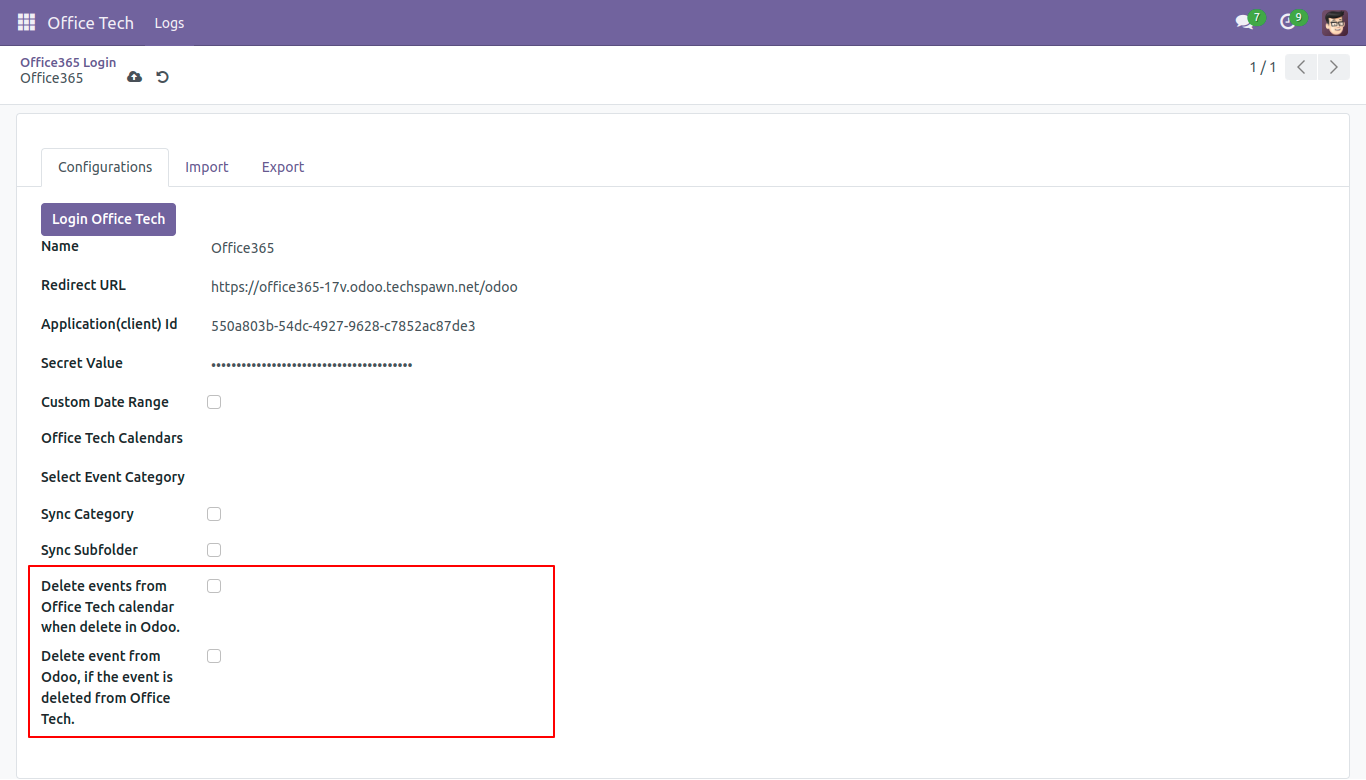
Delete Events from office tech calendar when delete in Odoo: It will delete the events from office tech calendar if we delete it from Odoo.
Delete Events from Odoo, if the event is deleted from office tech: It will delete the events from Odoo if the events are deleted from office tech.
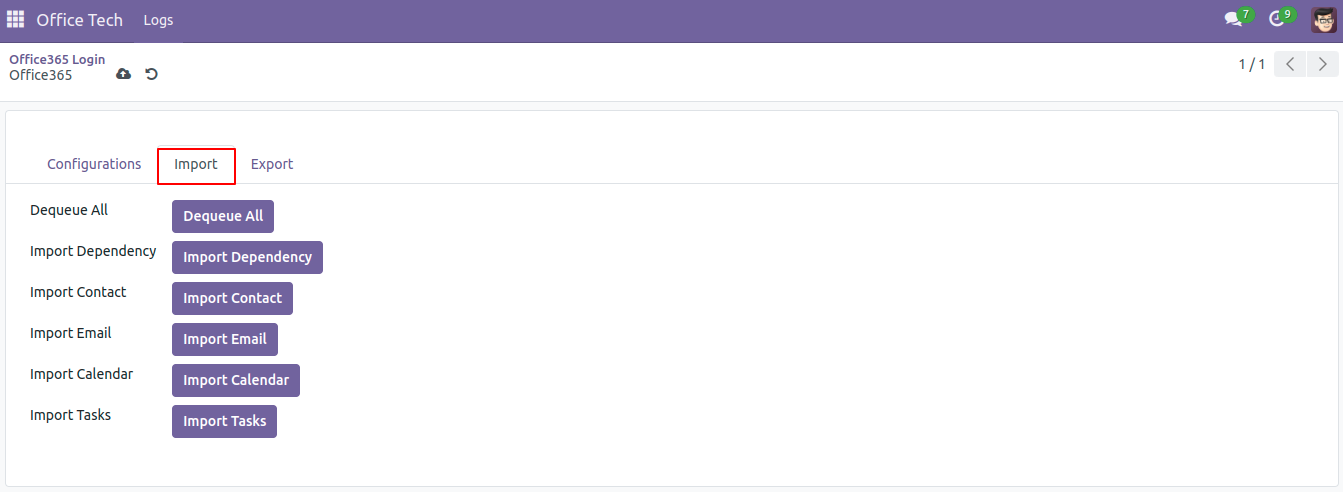
- Import Contact: Import/Update Contacts from Office 365 to Odoo
- Import Email: Import Email from Odoo to Office 365
- Import Calendar: Import/Update Calendar from events Office 365) to Odoo
- Import Tasks: Import/Update Tasks from office 365 to Odoo
- Dequeue All: With a single click, all items will be imported.
- Import Dependency: Clicking on ‘Import Dependency’ will import contact categories from Office 365 into Odoo
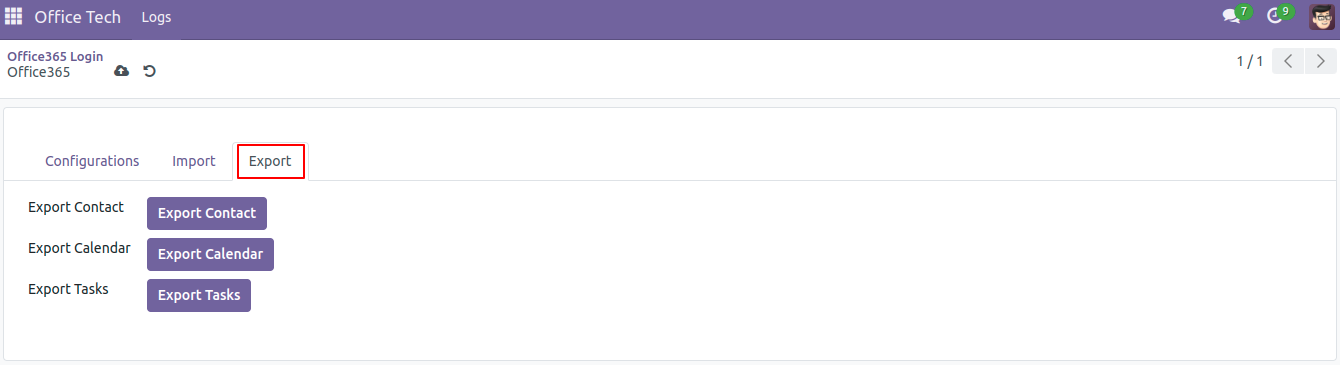
- Export Calendar: Export/Update Calendar’s events from Odoo to Office 365
- Export Contacts: Export/Update Contacts from Office 365 to Odoo..
- Export Task: Export/Update Tasks from Odoo to Office 365.
Logger Functionality – You can check the logs which contact/ Event/ Task/ Email is Imported/Exported