
All set now lets see how it works
Distance Rate Shipping (Distance Condition)
Let’s assume we have below created Shipping Rules
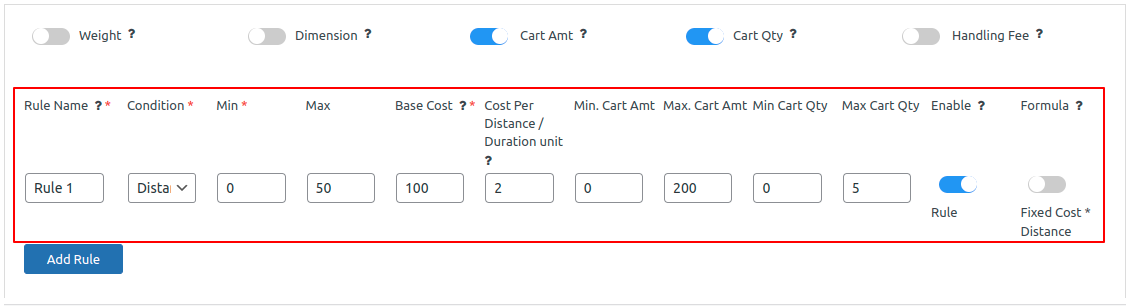
Image 1 : Shows the distance rule with maximum cost.
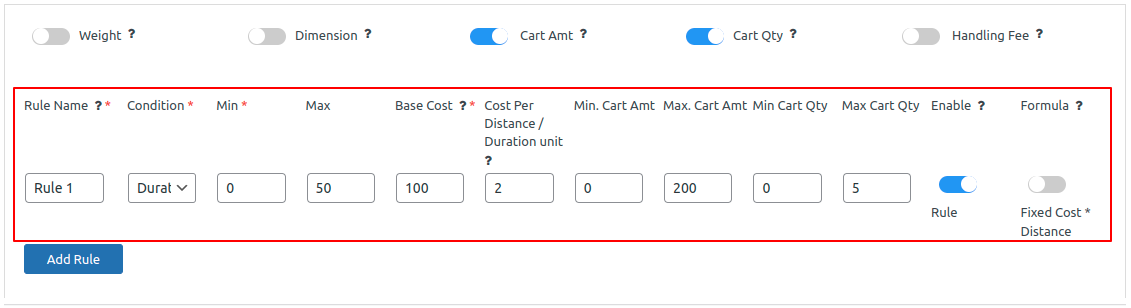
Image 2 : Shows the duration rule with maximum cost.
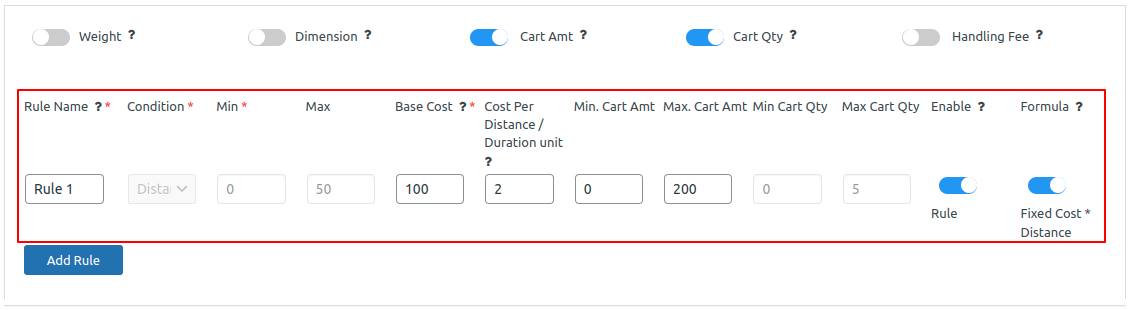
Image 3 : Shows the fixed cost* distance with maximum cost
- The system will calculate the distance between the user’s location and the WooCommerce store, choose the appropriate shipping rule based on that distance, and display the relevant shipping rates.
Origin Address (WooCommerce Store Address) – Florida, United States – 33556
Destination Address – Florida, United States – 33558
Distance between Origin and Destination has been calculated by Google Map Distance Matrix API as below
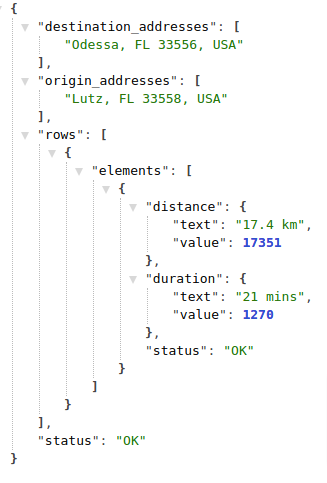
Based on the information provided by the Google Matrix API, the system will apply the all matching Shipping Rate to the order and display it during the checkout process.
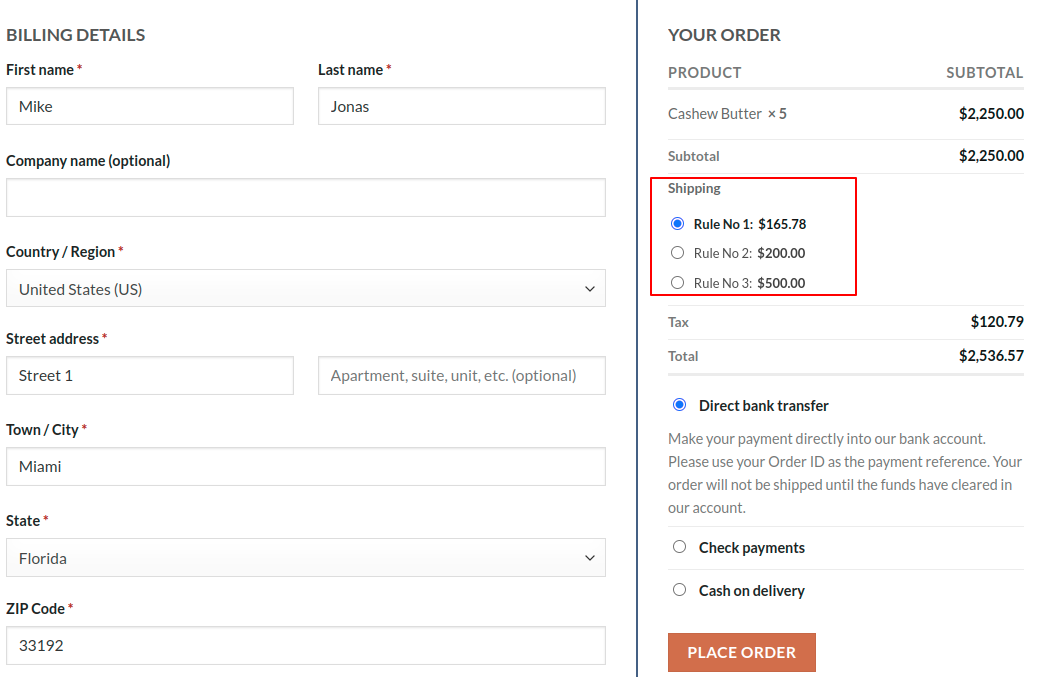
Image 3 : Rules applied on the checkout page.
The program will calculate the Distance Condition using the same distance calculation and display the result.