
- Go to: WooCommerce > Settings > Shipping.
- Select edit on the Shipping Zone that you want to add the method to

Image 1
- Press the Add shipping method button on the bottom of the Shipping methods section

Image 2
- Select Distance Rate from the dropdown and press Add shipping method:
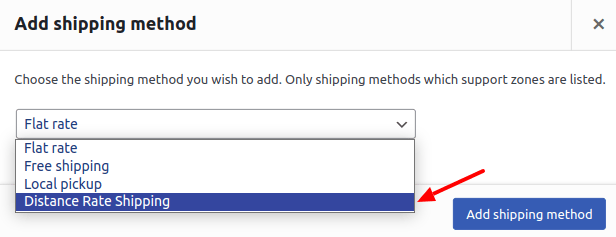
Image 3
- Save Changes