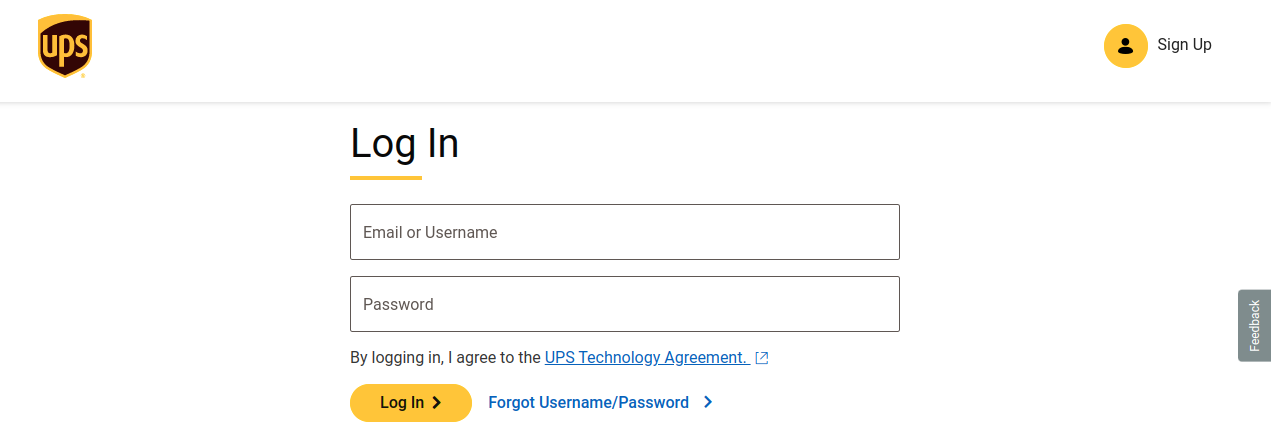
Enter your username and password that you used to register.
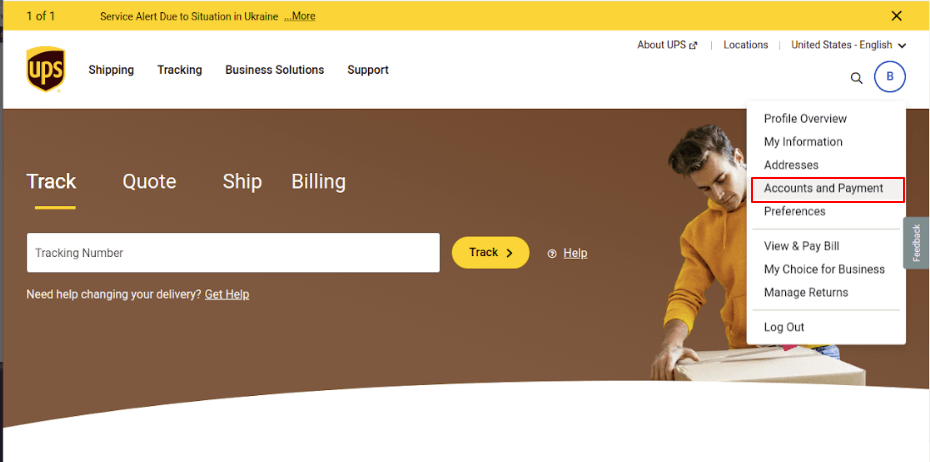
To access the “Accounts and Payments” option, click on the profile icon located on the right-hand side and select the corresponding option from the menu.
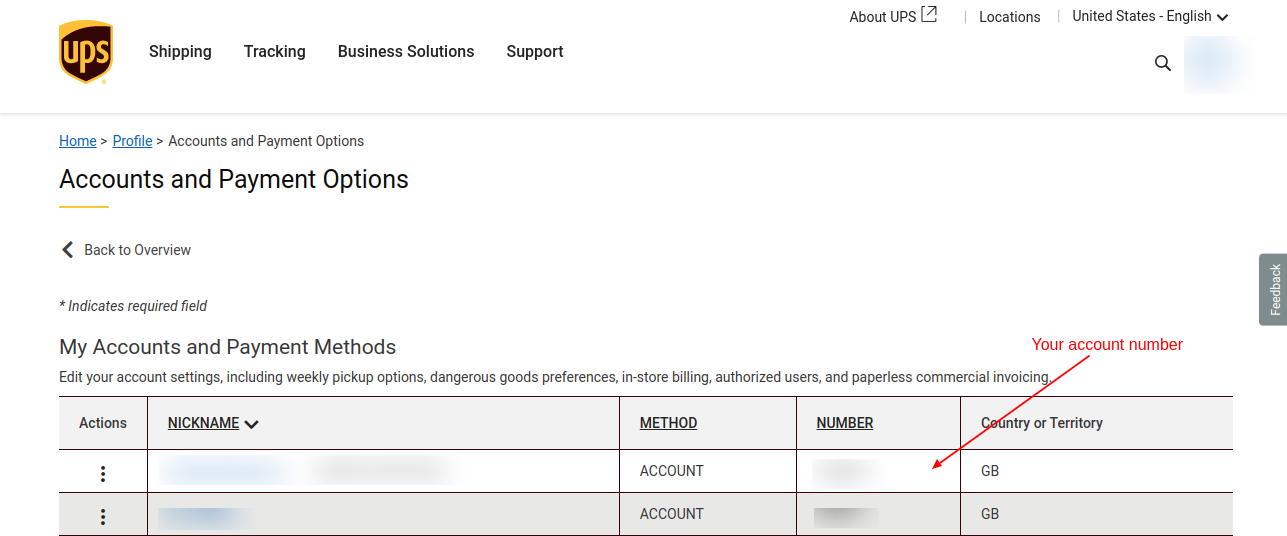
Once you access the “Accounts and Payments” option, you will be presented with the following screen. You can find your account number in the table, as shown in the image below.
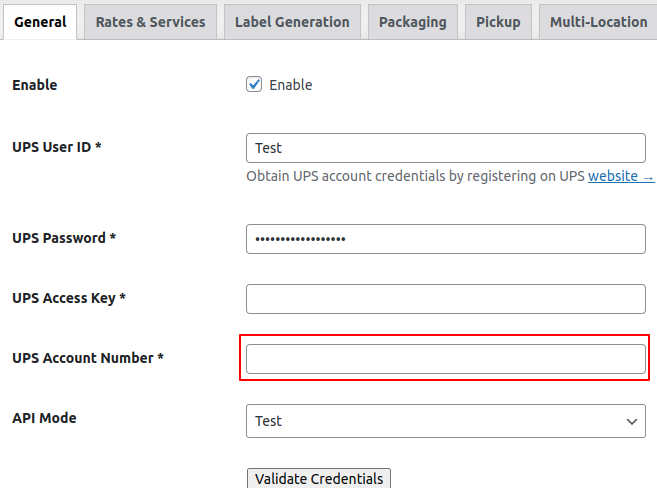
To insert your account number, navigate to the following path in the WP backend: Woocommerce > Settings > Shipping > UPS. Then, go to the “General” tab and enter your account number, which should be displayed as shown in the image below.