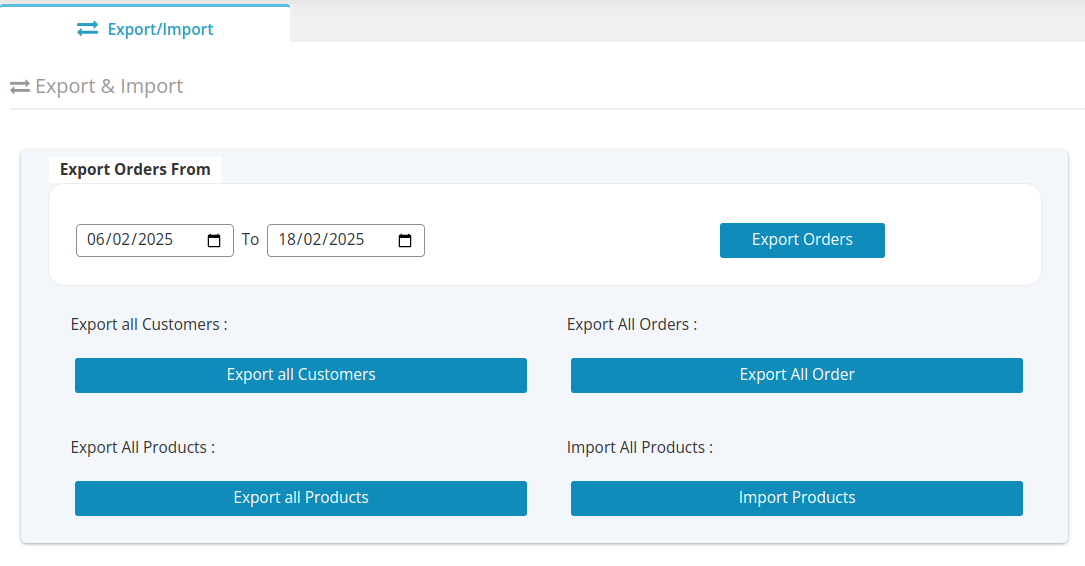
Go to WordPress Backend and Select WC to Quickbooks Connector plugin and click on Import/Export
1.To export all orders in QuickBooks Select to and from date and click on export orders.
2.To export all customers in QuickBooks, click Export All Customers.
3.To export all products in QuickBooks, click Export All Products.
4.To import all products in QuickBooks, click Import All Products.
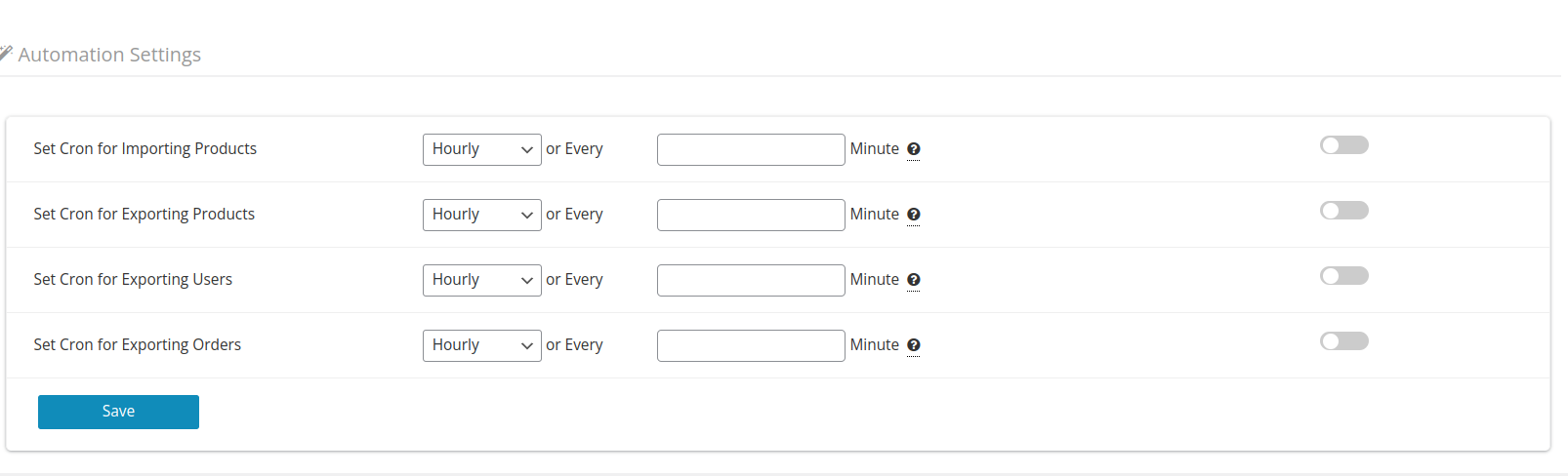
Automation Settings:-
When importing products, exporting products, exporting users, and exporting orders, set up a cron job. You can arrange a cron to run hourly, daily, weekly, or as per minutes given by you.