
- Go to Stockupp -POS →Stockupp -POS →Generate barcode by ID/SKU→ Select an option on which you want to generate the barcode for products
- You can select Product ID or Product SKU.

Image 01
- On page load, a barcode is generated automatically based on the product id or SKU. The product id is generated automatically by woocommerce when you create a product. If you haven’t given SKU to any product, Go to Products –> Click on Edit product for which you want to generate the barcode –> Click on Inventory tab –> Enter the SKU for the product –> Update the product.
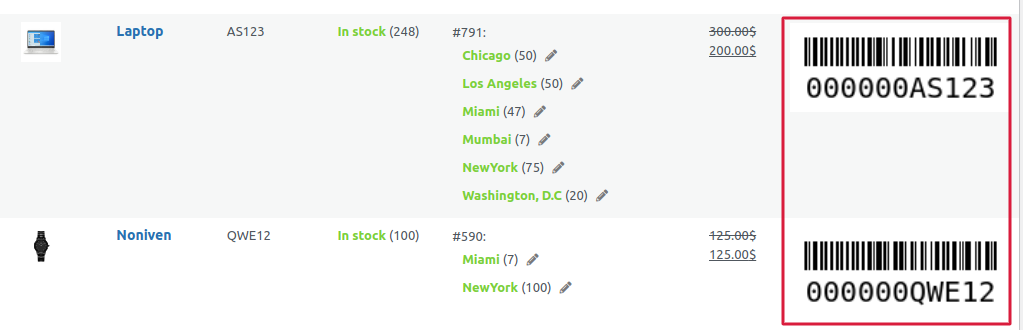
Image 02
- This barcode is useful to scan the product and add it to the cart using our Stockupp – POS plugin.