
How to Create Cashiers in POS Ninja For WooCommerce
The cashier is the person who will operate the POS Ninja For WooCommerce system. You have to create one user and assign the role of “Cashier”.
To Add the Cashier,
- Go to WordPress Backend → Click on → POS Ninja → Click on Cashier → Add New
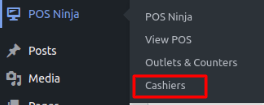
Image 01

Image 02
- Fill out all the details shown in the below image. Assign the role as “Cashier” and click on “Add Cashier.” You must remember the username and password provided here in order to access Stockupp -POS.
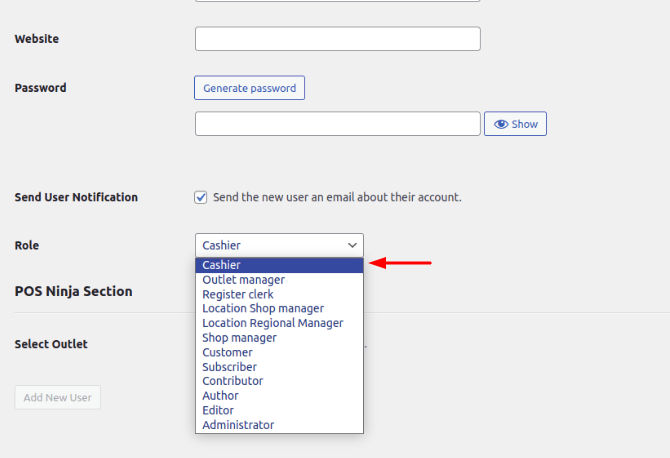
Image 03
- Cashiers have to use the username and password they get here in order to use the Stockupp -POS.
- As shown in the image below, all of the Cashiers added by the admin are listed here. The user can update the cashiers by clicking “edit”.
- Select the required outlet which you want to assign to Cashiers.
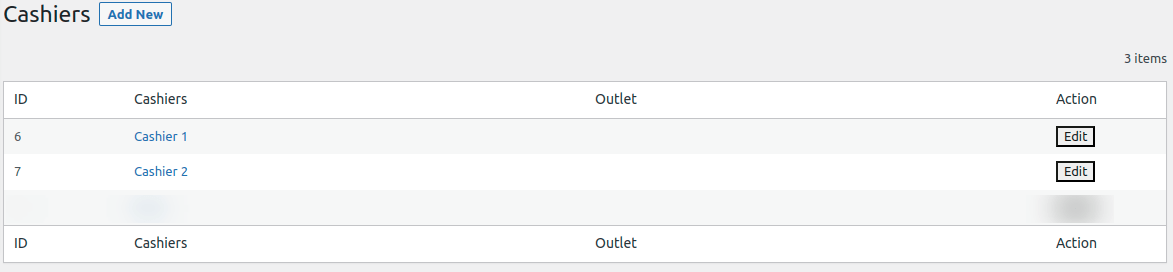
Image 04
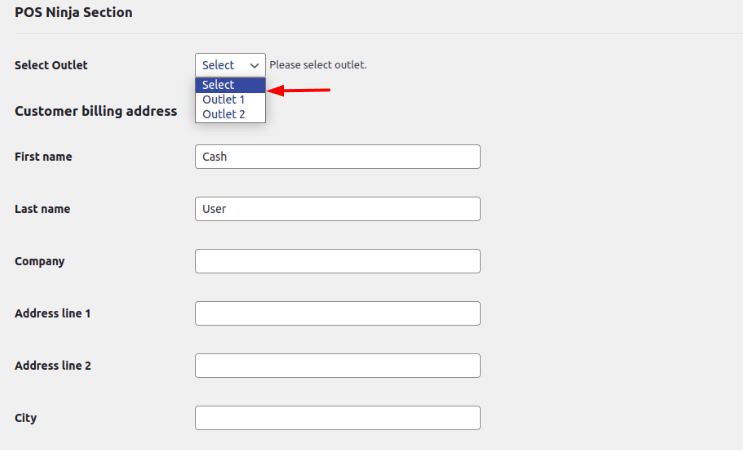
Image 05
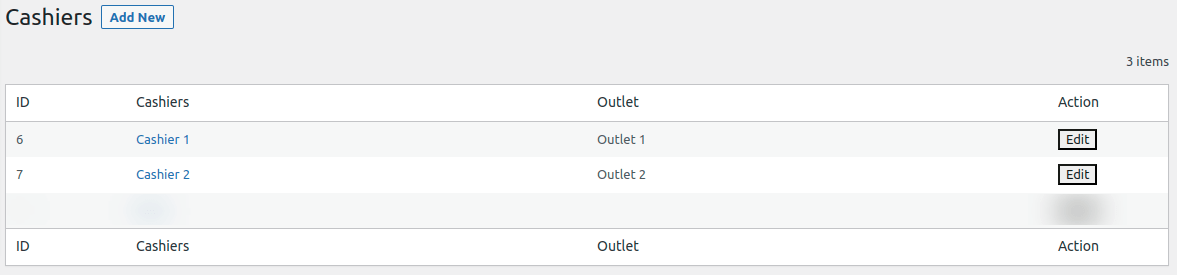
Image 06