
Here we will see the plugin setting in detail, what happened when we enable or disable some setting etc.
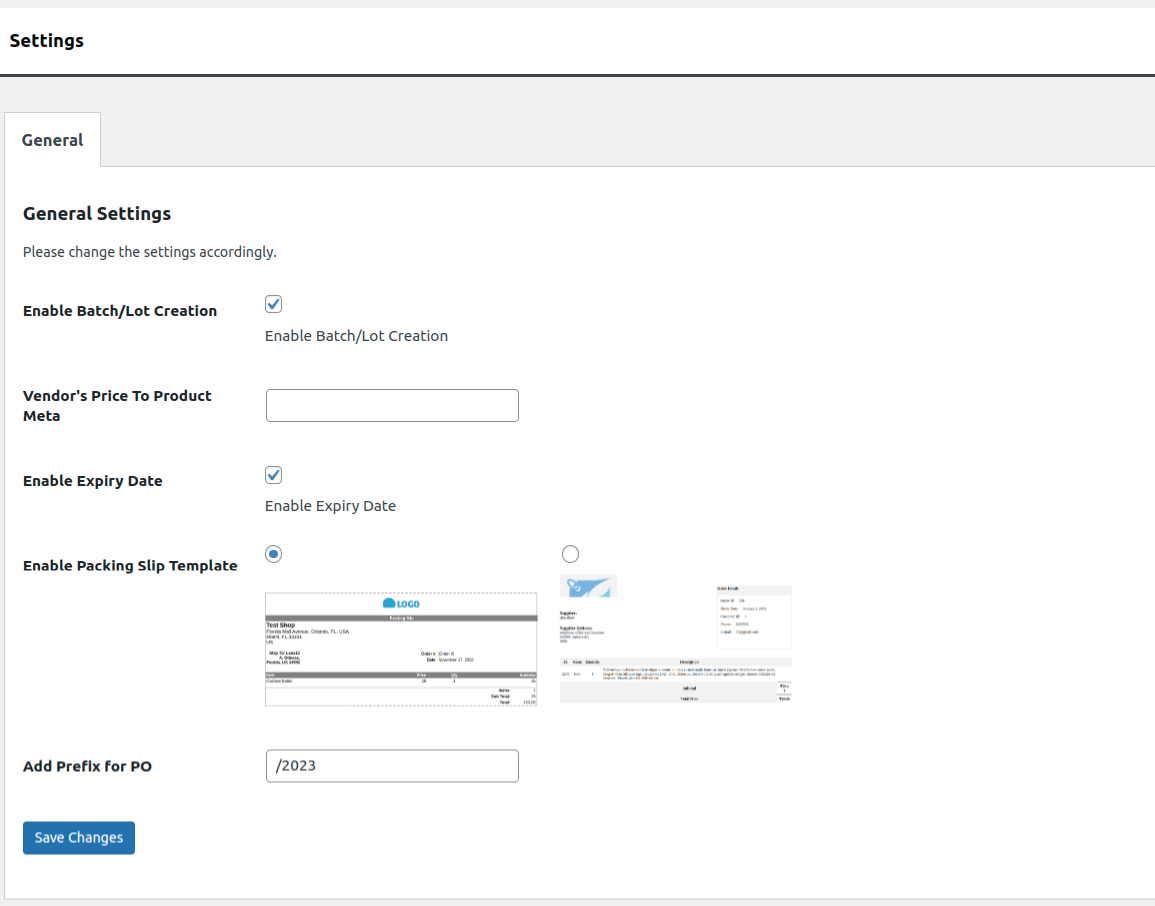 Image 01
Enable Batch/Lot Creation : We can see the Batches field in the left pane by selecting this field.
Expiry Date : Enable Expiry date for Products when Purchase Orders is created.
Enable Packaging Slip Template : Select the packaging slip from this menu.When you go to download the packaging slip, it will look like the template you chose.
Add Prefix for PO :The newly added prefix will be shown in the batches field.