After you’ve installed the Odoo Shopify Connector, go to the settings and find the “User & Companies” section from the drop-down list. This is where you can manage users and company details.
Now, assign the manager role to the SP ODOO Bridge, save your changes, and refresh the page.
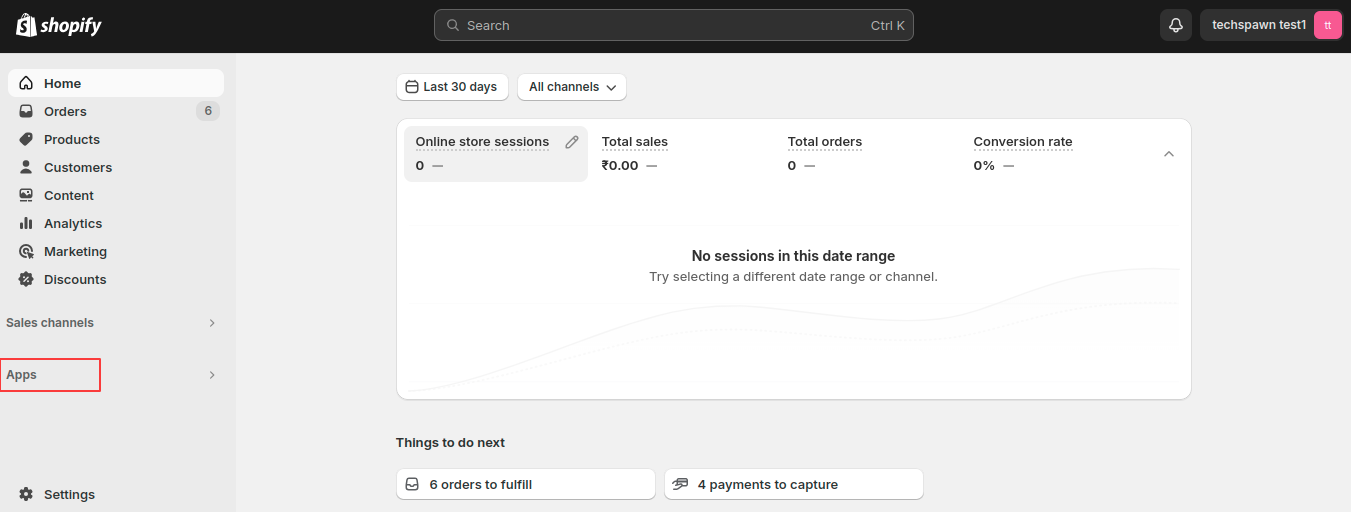
Now, open your Shopify store. Click on Apps.
Now click on Apps and Sales Channel Setting.
Click on Develop Apps Button.
Click on Create an App Button.
Give the App name and click on Create App button
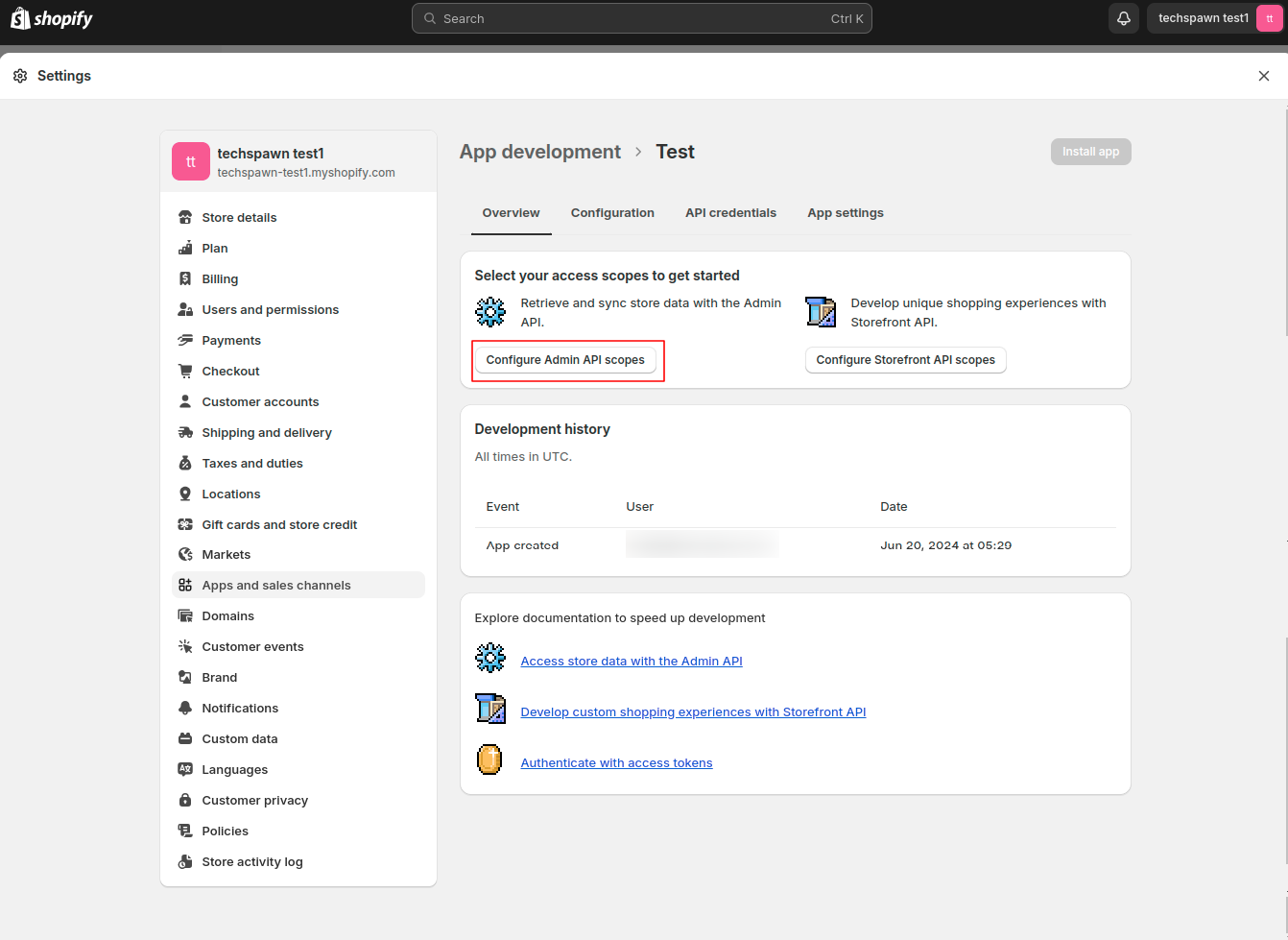
Click on Configure Admin API Scopes Button.
In Admin API Access Scopes we have to select all the options from the Admin API Access Scopes and click on Save Button.
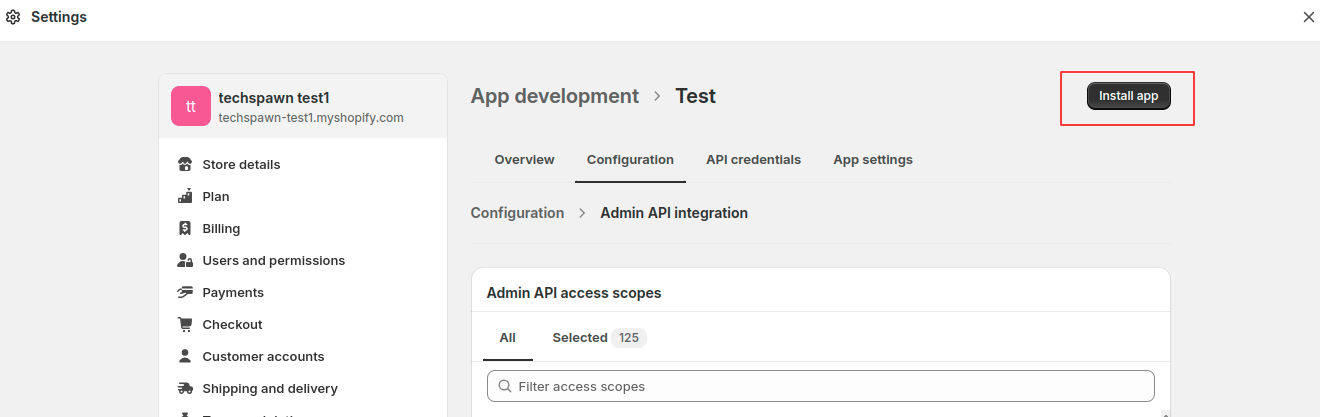
Click on Install App Button.
Pop-up will be displayed click on the Install Button.
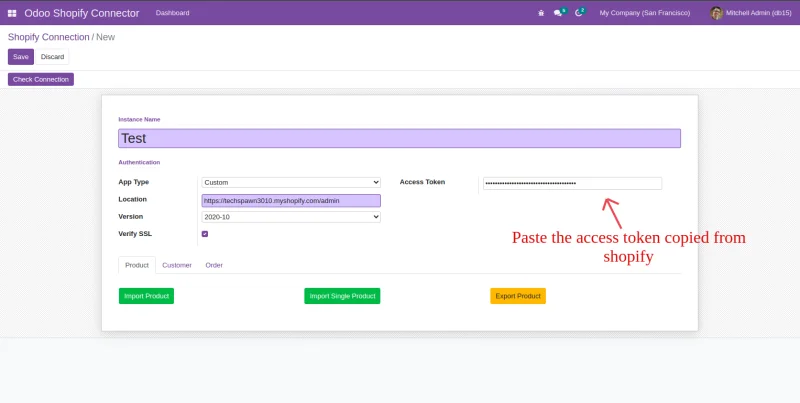
After Clicking on the Install button Access Token will be generated.
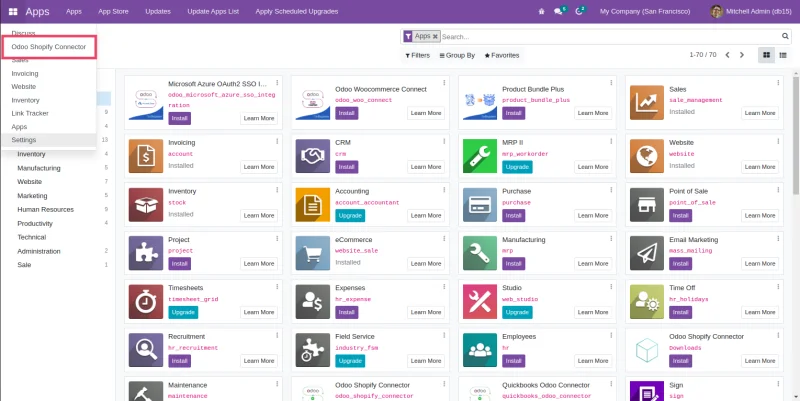
Click on Odoo Shopify Connector.
For the location copy the url of store upto admin: eg.https://{store_name}.com