
Inventory Move Field will be displayed when the ‘WooCommerce Multi Locations Inventory Management’ plugin is activated. We can move inventory from one location to another location.
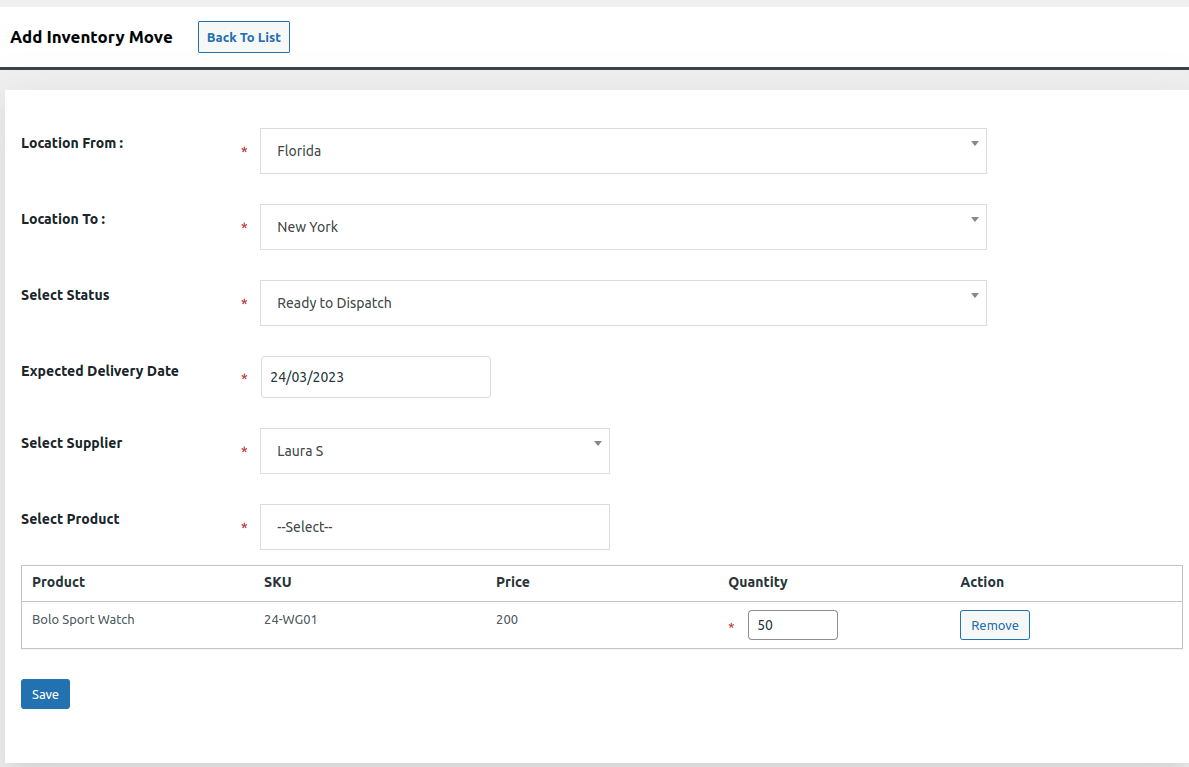
Image 1
INVENTORY MOVE
- Add, edit, delete & view Inventory Move
- Add Supplier to Inventory Move
- Add Products to Inventory Move
- Drafts Stock from One Location to Other Location
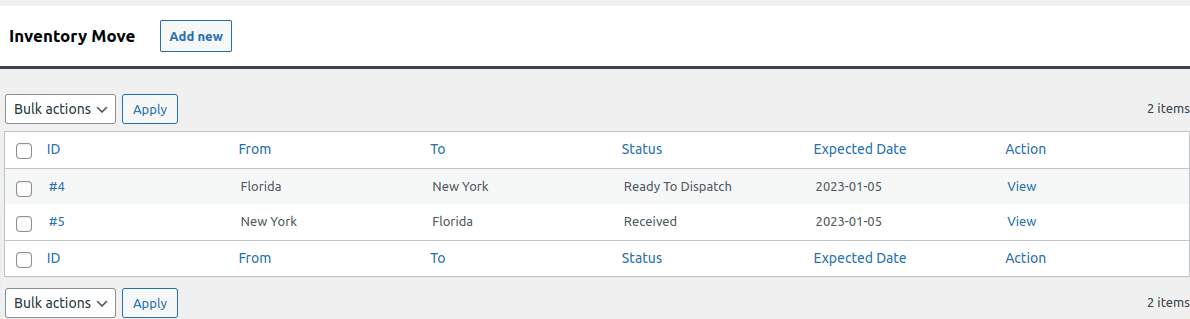
Image 2 : Inventory Move List
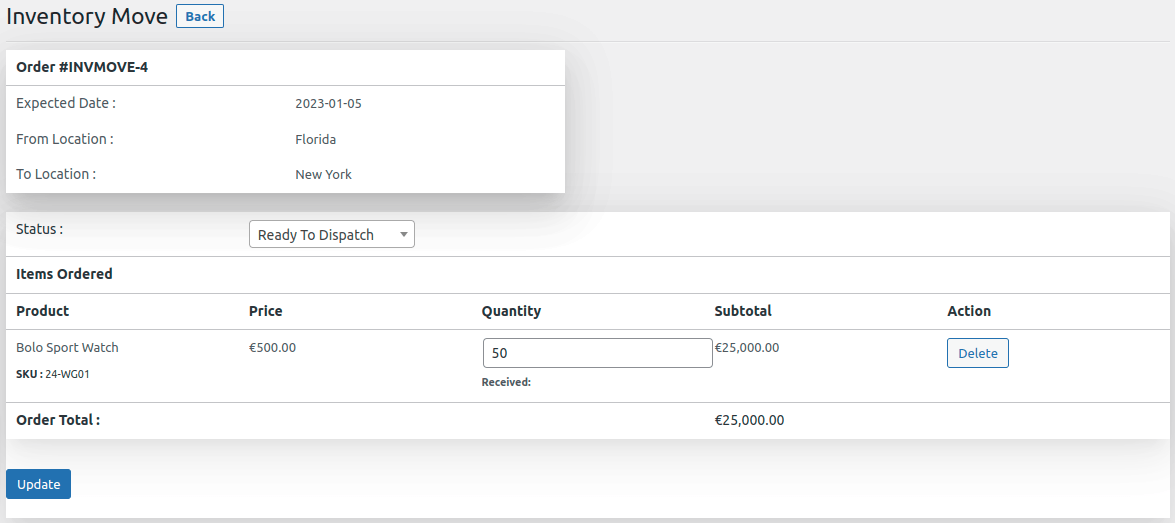
Image 3 : Inventory Move after clicking on View