**Connection:**
1. Log in to your Intuit account.
2. Select an appropriate company from the dropdown and click on “Next”.
3. Click on “Connect”.
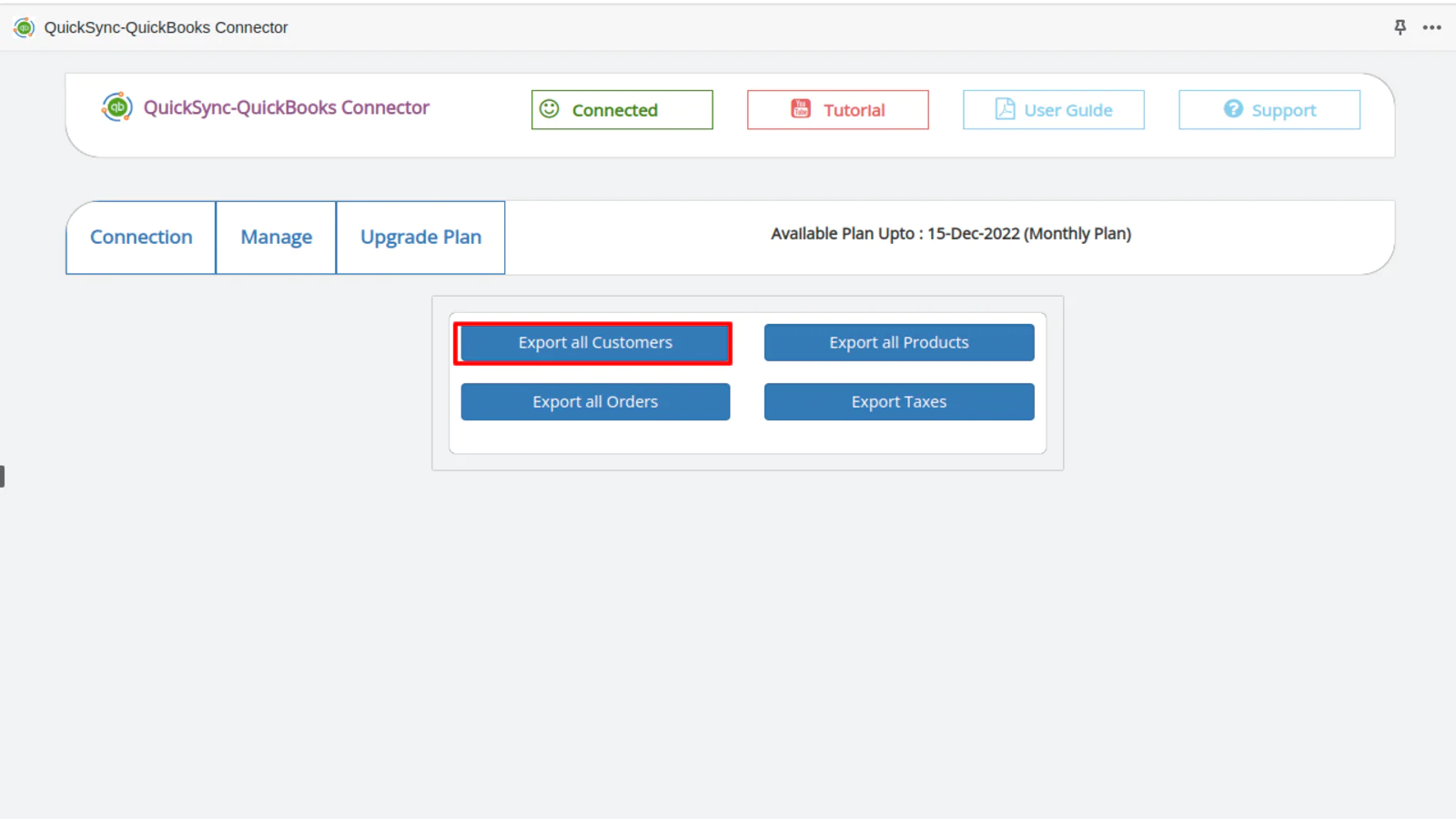
4. Once connected, you’ll notice the “Connected” logo in the green button.

When successfully connected between QuickBooks and Shopify, you gain access to the following features:
1. Export all customers from Shopify to QuickBooks.
2. Export all products to QuickBooks.
3. Export all orders to QuickBooks.
4. Export taxes along with QuickBooks.